ReddRadar

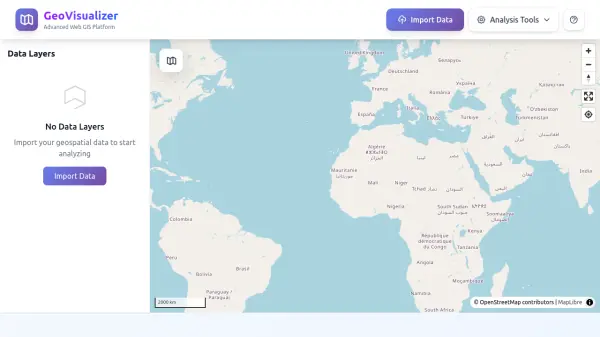
What is GeoVisualizer?
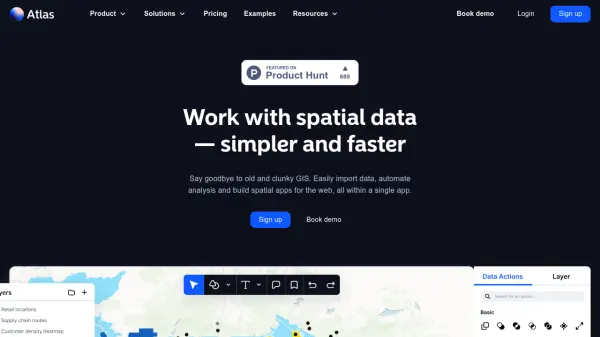
GeoVisualizer is a powerful web-based GIS platform designed for spatial data analysis and visualization. It enables users to import geospatial data in formats such as CSV, Shapefile, GeoJSON, and KML, and provides a comprehensive suite of analysis tools including buffer creation, layer dissolving, centroid calculation, grid generation, and duplicate removal. The platform also supports attribute joins, geometry conversion from lines to polygons, and polygonization of lines. Users can style layers, manage visibility, and export processed results as shapefiles, making it a versatile tool for geographic information system (GIS) workflows directly in the browser.
Features
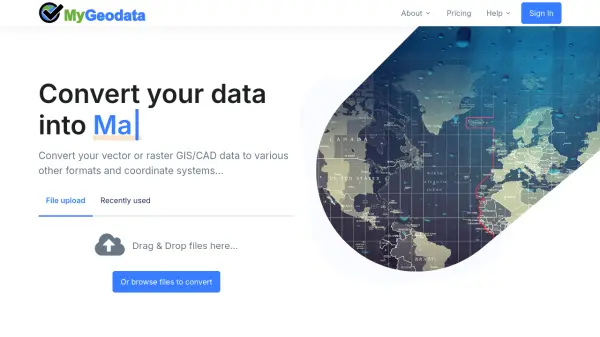
- Import Geospatial Data: Supports CSV, Shapefile (SHP/ZIP), GeoJSON, and KML formats.
- Buffer Analysis: Create buffer zones around features with multiple distance units and geodesic option.
- Dissolve Layer: Merge adjacent or overlapping features sharing common attribute values.
- Calculate Centroids: Generate geometric center points or points on surface for polygon features.
- Generate Grid: Create regular grid patterns based on layer extent with flexible parameters.
- Remove Duplicates: Identify and remove duplicate features based on geometry or attribute matching.
- Join By Attribute: Join attributes from a target layer to a source layer based on matching values.
- Line to Polygon: Convert closed line strings into polygon features.
- Polygonize Lines: Create polygons from a planar graph of line segments.
- Export as Shapefile: Download processed results as shapefiles.
Use Cases
- Proximity analysis and impact zone mapping
- Administrative boundary consolidation and land use aggregation
- Spatial sampling and tessellation analysis
- Data quality control and cleaning imported datasets
- Attribute enrichment through join operations
- Conversion of line data to polygon features for area representation
FAQs
-
What file formats does GeoVisualizer support for import?
GeoVisualizer supports CSV, Shapefile (SHP/ZIP), GeoJSON, and KML formats. -
Can I export my processed data?
Yes, you can export processed results as shapefiles. -
Does GeoVisualizer require any installation?
No, GeoVisualizer is a web-based platform that runs entirely in your browser.