ReddRadar

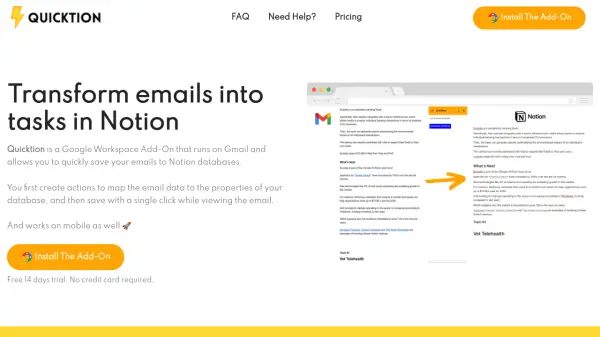
What is Quicktion?
Quicktion operates as a Google Workspace Add-On integrated with Gmail, enabling users to efficiently transfer email data into Notion databases. It allows the creation of custom actions to map email details—such as subject lines, sender information, and attachments—to specific properties within Notion. The tool supports all Notion database properties and ensures privacy by directly transferring data without forwarding emails to third parties.
Users can save email bodies as rich text in database columns or as page content, preserving formatting including images and links. Additional features include setting default values for database properties, automatically saving contact email addresses to enhance CRM functionality, and handling attachments by saving them to Google Drive and linking them in Notion. The add-on is accessible on both desktop and mobile platforms, offering a streamlined workflow for managing emails and tasks.
Features
- Mappings: Map email information to the properties of your Notion database
- Page Content: Save the email body in a column or as page content with preserved formatting
- Default Properties: Set default values for any database properties in addition to email data
- Single Click: Save emails with a single click from a list of available actions
- Privacy: Transfer emails directly from Gmail to Notion without forwarding to third parties
- Attachments: Save attachments to Google Drive and link them to Notion
Use Cases
- Automating email-to-task conversion for project management
- Enhancing Notion CRM by saving contact details from emails
- Streamlining workflow by organizing emails into structured databases
- Managing priorities by setting default statuses for different email types