ReddRadar

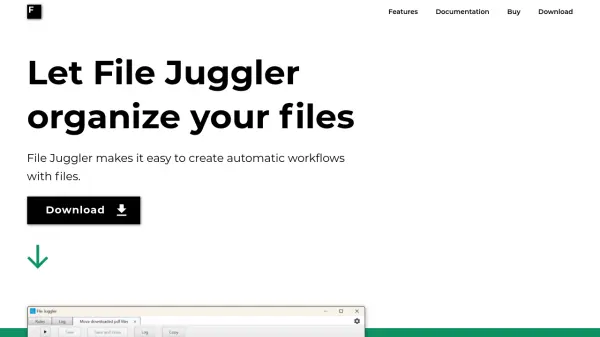
What is File Juggler?
File Juggler enables users to set up automatic workflows for file management, streamlining tasks such as renaming, moving, and deleting files without manual intervention. It leverages AI to read file contents, allowing for intelligent organization based on keywords, dates, or PDF properties, which helps maintain order in folders like downloads and desktops.
This tool supports features like automatic extraction of downloaded files and integration with platforms such as Evernote, making it ideal for professionals seeking to enhance productivity. By automating repetitive file-handling processes, File Juggler reduces the time spent on mundane tasks and minimizes digital clutter.
Features
- Automatic File Movement: Move and copy files based on user-defined rules
- Content-Based Organization: Organize documents by reading words, dates, or PDF properties in their content
- File Renaming: Rename files automatically using content or metadata
- Automatic Deletion: Delete files as specified in automation workflows
- Integration with Evernote: Upload files directly to Evernote for enhanced productivity
Use Cases
- Automatically organizing downloaded files to keep folders tidy
- Renaming PDF documents based on their properties or content keywords
- Moving files to specific locations using dates found within documents
- Deleting old or unnecessary files to free up storage space
- Extracting compressed files automatically upon download