ReddRadar

What is Office 365 PST Import Tool?
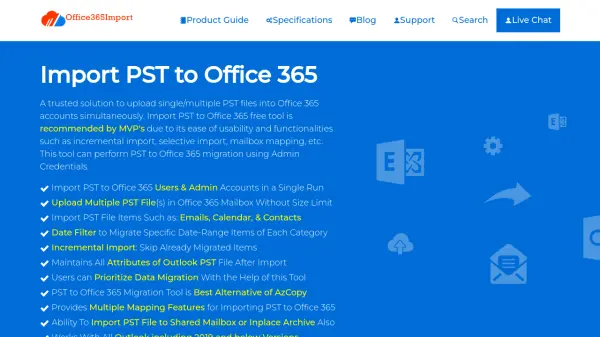
The Office 365 PST Import Tool is a specialized software solution designed to facilitate the seamless migration of PST files into Office 365 accounts. It supports both user and admin accounts, allowing for simultaneous uploads of multiple PST files without any size restrictions. The tool ensures data integrity by maintaining all attributes of the original Outlook PST files during the import process.
With advanced functionalities such as incremental import, selective data migration, and mailbox mapping, this tool simplifies the complex task of transferring emails, calendars, and contacts to Office 365. It is compatible with all versions of Outlook, including 2019 and earlier, and operates on various Windows operating systems, providing a secure and efficient migration experience.
Features
- Incremental Import: Skips already migrated items to avoid duplicates
- Selective Data Import: Allows migration by category (emails, contacts, calendars) or date range
- Multiple PST Upload: Supports uploading multiple PST files simultaneously without size limits
- Mailbox Mapping: Provides multiple mapping features for importing PST to Office 365
- Pause and Resume: Allows users to pause and resume the migration process as needed
- Report Generation: Generates CSV and detailed reports after migration for audit purposes
- Network PST Import: Enables import of PST files from local networks to Office 365
- Admin Impersonation: Supports migration to multiple user accounts using admin credentials
Use Cases
- Migrating PST files from Outlook to Office 365 for organizational data consolidation
- Uploading multiple PST files to Office 365 mailboxes without manual effort
- Selectively importing specific emails, contacts, or calendars based on date or category
- Resuming interrupted migration processes without starting from scratch
- Generating audit reports after PST to Office 365 migration for compliance
FAQs
-
How does the incremental import feature work?
The incremental import feature skips already migrated items when importing PST files to Office 365 for the second time, ensuring only new data is transferred to avoid duplicates. -
Can this tool import PST files from network locations?
Yes, the tool supports importing PST files from local networks to Office 365 accounts, allowing for flexible migration from various storage locations. -
What types of reports does the tool generate after migration?
The tool generates two types of reports: a CSV file with an overall summary of all users and a detailed report showing what data was imported and what tasks failed, useful for audits. -
Is there a demo version available, and what are its limitations?
Yes, a demo version is available that allows importing data for up to 2 user accounts for free, providing a trial of the tool's capabilities. -
What system requirements are needed to run this tool?
The tool requires Windows OS (e.g., Windows 10, 11, or Server versions), minimum 8-core processor, 8 GB RAM, 500 MB free hard disk space for installation, and Microsoft .NET Framework 4.8.0 or higher.