ReddRadar
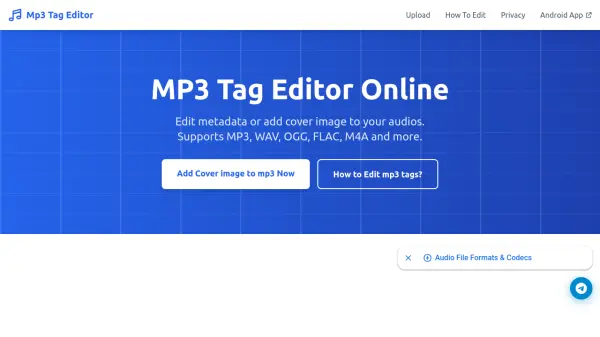

What is Mp3 Tag Editor?
Mp3 Tag Editor is a comprehensive online solution for managing audio file metadata across multiple formats. The platform enables users to edit essential tag fields such as titles, artists, albums, artwork, and more, with full support for ID3 tags and other metadata standards. Users can upload and edit up to five files simultaneously, applying consistent tags across multiple tracks or customizing each file individually.
The service processes files securely in the browser, ensuring privacy with automatic server-side deletion after 30 minutes and encrypted HTTPS transfers. An Android app extends functionality with folder browsing, direct device editing, and offline capabilities. The editor automatically handles format-specific metadata standards, including ID3v1, ID3v2, Vorbis Comments, and iTunes-style metadata.
Features
- Bulk Editing: Edit up to 5 files simultaneously with batch tag application
- Complete Metadata: Full support for ID3 tags and other formats with comprehensive field editing
- Mobile App: Android application for on-the-go tag editing with offline functionality
- Format Support: Works with MP3, WAV, OGG, FLAC, M4A, AAC and other major audio formats
- Privacy Focused: Secure browser processing with automatic file deletion after 30 minutes
Use Cases
- Organizing personal music libraries with proper metadata
- Preparing audio files for media players and streaming services
- Batch editing album tracks with consistent artist and album information
- Adding cover artwork to audio files for enhanced visual display
- Correcting incorrect metadata in downloaded or converted audio files
FAQs
-
How many files can I edit at once with the online editor?
The online editor allows you to upload and edit up to 5 files simultaneously with batch editing capabilities. -
What happens to my files after I upload them for editing?
Files are processed securely in your browser, and any data stored on servers is automatically deleted after 30 minutes with encrypted HTTPS transfers. -
Does the tool support editing album artwork?
Yes, the editor fully supports adding and editing cover images/album artwork to audio files. -
What are the main differences between ID3v1 and ID3v2 tags?
ID3v1 is the original format limited to 128 bytes with basic information, while ID3v2 is newer and more flexible with support for embedded images, lyrics, and custom fields. -
Can I use this tool without installing any software?
Yes, the online editor works on any device with a web browser without requiring installation, though an Android app is available for enhanced mobile functionality.