
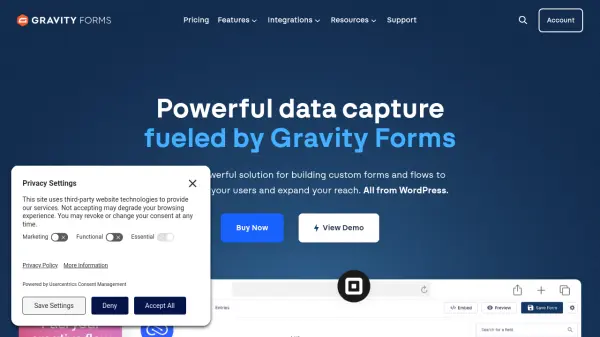
What is Gravity Forms?
Gravity Forms is a robust WordPress plugin designed for creating custom web forms and automating workflows. It provides an intuitive drag-and-drop interface that allows users to build forms quickly without coding. The platform supports over 30 field types, conditional logic to show or hide fields based on user input, and column layouts for responsive designs.
With Gravity Forms, users can collect online payments through integrations with services like Stripe and PayPal, manage file uploads, and ensure secure data collection. It includes features for user registration, survey forms, conversational forms, and partial entries. The tool also offers extensive third-party app integrations, accessibility compliance, and various pricing plans to suit different needs.
Features
- Drag-and-drop builder: Create and edit forms visually with an intuitive interface
- Conditional logic: Show or hide fields, sections, or pages based on user inputs
- Online payment collection: Integrate with Stripe, PayPal, and other payment services
- File uploads: Allow users to submit documents and attachments directly to the server
- Third-party integrations: Connect with apps like Salesforce, Mailchimp, Zapier, and Dropbox
- Accessibility compliance: Build forms that are WCAG 2.1AA compliant with semantic HTML and ARIA labels
Use Cases
- Collecting online payments for registrations, subscriptions, donations, or product sales
- Building marketing forms to capture visitor information and generate leads
- Creating student applications and donation forms for educational institutions
- Developing custom workflows for nonprofit organizations to manage data
- Designing survey forms and polls to gather feedback and insights
FAQs
-
What are the system requirements for running Gravity Forms?
Gravity Forms recommends the same system requirements as WordPress: PHP v7.4+, MySQL v5.7+, and the latest version of WordPress. -
Does Gravity Forms offer a trial version?
No, there is no trial version, but users can access full documentation, an online demo, and support resources to evaluate the tool. -
How can I submit a feature request for Gravity Forms?
Active license holders can vote or comment on ideas via the Feature Roadmap page on the Gravity Forms Support site, or raise new requests using the provided button. -
Will Gravity Forms work with any WordPress theme?
It works with themes following WordPress best practices, such as the latest Twenty * themes, but compatibility with all themes isn't guaranteed; issues may require theme author troubleshooting.
Related Queries
Helpful for people in the following professions
Gravity Forms Uptime Monitor
Average Uptime
0%
Average Response Time
0 ms