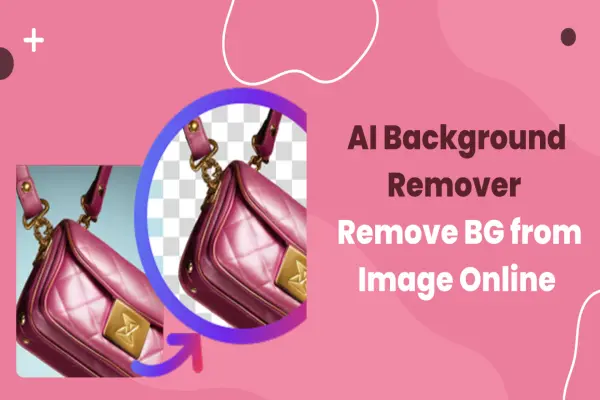
AI Background Remover - Remove BG from Image Online
Easily remove image backgrounds online with AI. Instantly cut out subjects, preserve fine details like hair, and replace with custom backgrounds. Try the free DRESSXME background remover today.
Easily remove image backgrounds online with AI. Instantly cut out subjects, preserve fine details like hair, and replace with custom backgrounds. Try the free DRESSXME background remover today.
Cutting out a subject used to mean pixel hunting in a pro editor. Today, AI background removal does the heavy lifting for you - it identifies the foreground, builds a soft alpha mask, and separates hair, edges, and semi-transparent areas in seconds. The result is a clean subject you can drop into any layout with minimal effort. If you want to try it in the browser, head to https://dressxme.com/change_background/. You can erase image backgrounds for free and replace them with different backgrounds of your choosing.
Modern background removers combine person detection, semantic segmentation, and matting. The model learns where the subject ends and the background begins, then produces a high-resolution mask that respects flyaway hair, glasses, and fine outlines.
Good lighting and sharp images help the AI preserve detail, while post-processing smooths edges so the composite looks natural.
Choose a photo to get started
Use a clear image with balanced light. Keep the full head and shoulders or the full product in frame.

Let our AI do the work
Upload your file to https://dressxme.com/change_background/ and run Remove or Replace. The tool highlights your subject automatically and generates a clean cutout.

Download and use your new image
Export PNG for transparency or JPG for fast sharing. Drop the result into a social post, store listing, or presentation.
The fastest background eraser saves time on repetitive tasks - you can easily remove the background, highlight your subject, and place it into any design.
Whether you are creating content for social media, showcasing a product, or building marketing visuals, you get studio-like consistency without studio overhead. No design skills needed.
After removal, change your background color or replace it with an image of your own. Add text for pricing or calls to action.
Emojis and stickers can frame the subject without clutter. If you need a spark, browse templates and preset backdrops to start faster and keep branding tight.
Larger projects benefit from extras like batch resizing, color enhancement, and sharpness adjustment. Filters, curved text, and branded elements help unify a campaign across channels.
Think of background removal as the base layer - once the subject is clean, you can design variants for ads, thumbnails, or product pages in minutes.
Match the light direction between the subject and the new background. Keep an eye on shadows - a soft drop shadow grounds the subject. Avoid heavy compression artifacts that can confuse edges.
For products, shoot against a plain wall and keep reflections controlled.
With DRESSXME Change Background, you can remove, generate, or replace backgrounds in a few clicks - fast, realistic, and effortless. Start with a single image, let the AI isolate your subject, then export a ready-to-use asset for any channel.
Easily remove image backgrounds online with AI. Instantly cut out subjects, preserve fine details like hair, and replace with custom backgrounds. Try the free DRESSXME background remover today.

Short Video Generator AI tools

Explore top AI tools that can elevate your product photography, helping you enhance images, streamline workflows, and create professional visuals with ease.

These tools analyze user preferences, budget constraints, and destination details to provide personalized itineraries, suggest optimal routes, recommend accommodations, and even offer real-time updates on weather and local events.

Unlock the power of Reddit marketing authentically. Learn how to strategically engage in niche communities

Efficiently identify and capture potential leads for your business
Didn't find tool you were looking for?