What is Enjo.AI?
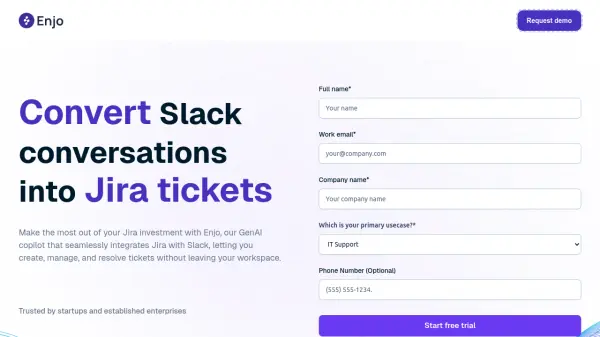
Enjo.AI facilitates seamless integration between Jira (Software and Service Management, both DC and Cloud) and Slack. It empowers teams to manage their Jira workflows without leaving the Slack environment. Users can create Jira tickets directly from Slack messages using emojis, shortcuts, or commands, significantly streamlining processes and reducing manual effort. The tool ensures everyone stays informed by synchronizing tickets between platforms and delivering customizable notifications for Jira updates within Slack. Furthermore, it supports collaboration by allowing guests without Jira accounts to participate in relevant Slack discussions.
Leveraging Generative AI, the platform enhances support and productivity. It can automatically resolve common support requests by referencing Confluence knowledge bases, providing contextually accurate, human-like responses. Features include instant request approvals directly in Slack, simplifying workflows. It also aids in monitoring team morale by collecting CSAT feedback within Slack channels. AI-powered insights help identify frequently asked questions and knowledge gaps for continuous process optimization, while an AI search function allows users to instantly find relevant information across integrated company data sources.
Features
- Auto-create Jira tickets in Slack: Generate Jira tickets directly from Slack using emojis, global shortcuts, or commands.
- Sync tickets between Jira and Slack: Keep tickets updated and synchronized across both platforms.
- Customizable Jira Notifications: Receive tailored alerts for Jira ticket updates within Slack based on chosen event types, formats, and frequencies.
- Facilitate Guest Collaboration: Allow guests without Jira accounts to participate in Slack channels or threads related to Jira issues.
- Customizable Jira Ticket Previews in Slack: Automatically expand Jira ticket mentions into detailed, configurable previews within Slack channels or threads.
- Auto-resolve Support Tickets: Utilize GenAI to automatically identify and resolve common issues using connected Confluence knowledge bases.
- Approve Requests Instantly in Slack: Review and respond to approval requests directly within Slack with single-click actions.
- Track Employee Feedback in Slack: Collect CSAT feedback directly within Slack channels to gauge employee satisfaction.
- Leverage AI Insights for Better Support: Utilize AI analytics to identify FAQs, knowledge gaps, and areas for support process improvement.
- AI Search for Instant Data: Access relevant information across integrated company data sources using AI-powered search.
Use Cases
- Streamlining engineering team collaboration on Jira projects within Slack.
- Converting Slack messages into Jira Service Management requests for service teams.
- Automating IT support ticket resolution using AI and knowledge base integration.
- Improving HR support efficiency through self-service and automated responses.
- Accelerating customer support for complex issues by automating information retrieval.
- Managing and resolving Jira issues directly from Slack without context switching.
- Tracking employee satisfaction (CSAT) via Slack feedback collection.
Related Queries
Helpful for people in the following professions
Enjo.AI Uptime Monitor
Average Uptime
0%
Average Response Time
0 ms