ReddRadar

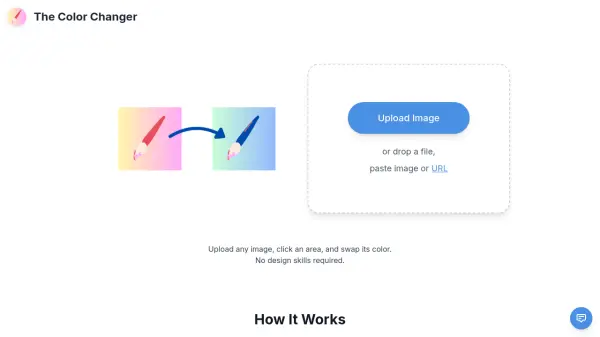
What is The Color Changer?
The Color Changer is a free online tool that allows anyone to change colors in images quickly and easily. Simply upload an image, click on the area or color you want to change, and pick a new color. The tool intelligently selects similar colors based on a tolerance slider, giving you precise control over the color swap. No sign-up or design skills are needed.
This lightweight tool works directly in your browser and supports high-resolution downloads. It also offers advanced selection features like holding Shift to select multiple areas or Shift+A to select all matching colors. The Color Changer is perfect for quick edits, prototyping, or creative projects.
Features
- Smart Color Selection: Click on any color in the image to select it, with adjustable tolerance for similar colors.
- Multi-Area Selection: Hold Shift while clicking to select multiple color areas, or Shift+A to select all matching colors.
- Color Removal: Make selected areas transparent with the Remove Color option.
- High-Resolution Downloads: Save edited images in full resolution.
- No Signup Required: Use the tool instantly without creating an account.
Use Cases
- Quickly change the color of an object in a product photo.
- Adjust the background color of an image without complex software.
- Experiment with different color schemes for design prototypes.
- Remove a specific color from an image to make it transparent.
FAQs
-
Do I need to create an account to use The Color Changer?
No, The Color Changer is completely free and does not require any signup or account creation. -
What image formats are supported?
The tool supports common image formats like PNG, JPEG, and WebP. You can also paste an image URL. -
Can I select multiple colors to change at once?
Yes, you can hold Shift while clicking to select multiple color areas. You can also use Shift+A to select all matching colors.
Related Queries
Helpful for people in the following professions
The Color Changer Uptime Monitor
Average Uptime
0%
Average Response Time
0 ms