ReddRadar

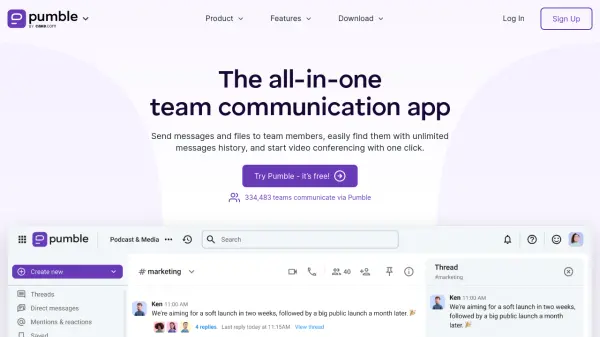


What is Pumble?
Pumble is a team communication platform designed to streamline workplace collaboration through a comprehensive suite of features. It enables teams to send messages, share files, organize video calls, and manage projects from a single interface. The platform supports unlimited message history, channels, and users on its free plan, making it accessible for organizations of all sizes.
With capabilities including video conferencing, screen sharing, voice messages, and integrations with tools like Clockify and Plaky, Pumble facilitates efficient communication and teamwork. It offers customizable permissions, guest access for external collaborators, and robust security features to ensure a secure and productive digital workspace.
Features
- Unlimited Message History: Access all past messages without restrictions
- Video Conferencing: Organize group video meetings with screen sharing
- File Sharing: Share images, documents, and links with team members
- Integrations: Connect with apps like Clockify and Plaky for enhanced functionality
- Guest Access: Invite external partners with limited channel permissions
Use Cases
- Remote team communication and collaboration
- Project management and task coordination
- Video conferencing for meetings and presentations
- File sharing and document management
- External collaboration with clients or partners
FAQs
-
Is Pumble really free?
Yes, Pumble offers a free plan with unlimited users and message history. Paid plans provide additional features. -
Can I try out the paid features?
Yes, you can try all features for free for 7 days with no credit card required. -
What types of payment are supported?
Payments by credit card are supported for all plans, with wire transfers and purchase orders available for larger purchases. -
How does guest access work?
Guests can have single-channel or multi-channel access, with multi-channel guests requiring paid seats. -
How does canceling work?
You can cancel at any time and use paid features until the end of the billing cycle, then downgrade to the free plan.