ReddRadar


What is Port Checker?
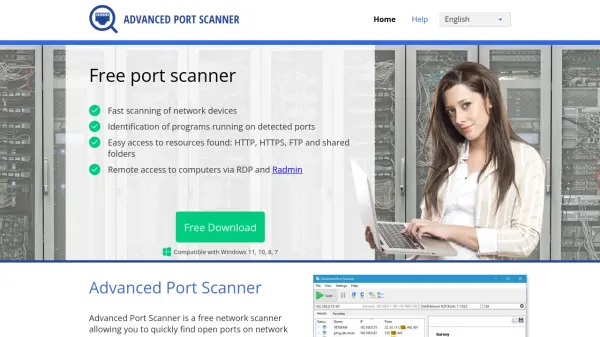
Port Checker is a straightforward online utility designed to identify open ports on computers and devices, which is particularly useful for troubleshooting port forwarding settings on routers. When users encounter connectivity problems with applications like email clients or instant messaging programs, this tool can determine if the required port is being blocked by a router's firewall or internet service provider, aiding in firewall setup diagnosis. It also serves security purposes by allowing users to verify whether specific ports are open or closed, and it assists gamers in configuring server ports, such as for Minecraft, to ensure proper connectivity for multiplayer sessions.
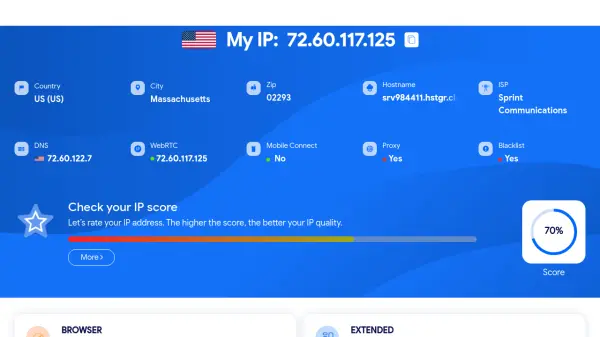
The tool supports checking a wide range of ports, from well-known ports like HTTP (80) and SSH (22) to custom port numbers, using the device's IP address by default or allowing input for remote IP addresses. It provides information on port ranges, including well-known ports (0-1023), reserved ports (1024-49151), and dynamic/private ports (49152-65535), with detailed listings for common services. Users are advised to avoid misuse of the IP address feature to prevent restrictions, and note that VPNs or proxy servers may affect IP detection accuracy.
Features
- Port Scanning: Checks open ports on devices to diagnose network issues
- Port Forwarding Verification: Validates router port forwarding setups for applications
- Custom Port Input: Allows entry of any port number beyond predefined common ports
- IP Address Flexibility: Uses device IP by default or supports remote IP input for scanning
- Common Port Listings: Provides detailed information on well-known ports and their services
Use Cases
- Diagnosing connectivity issues with email or IM clients due to blocked ports
- Verifying port forwarding configurations on routers for applications or servers
- Conducting security assessments to check if specific ports are open or closed
- Setting up game servers like Minecraft to ensure proper port configuration for multiplayer access
- Troubleshooting firewall setups that may be blocking required application ports
FAQs
-
What is the purpose of checking open ports with this tool?
Checking open ports helps diagnose connectivity issues with applications, verify port forwarding on routers, and assess security by identifying open or closed ports. -
Can I use this tool to check ports for remote IP addresses?
Yes, the tool allows input of remote IP addresses for scanning, but users are advised to avoid misuse to prevent restrictions on this feature. -
How does VPN or proxy usage affect port checking with this tool?
If using a VPN or proxy server, the tool may not accurately detect the device's IP address, which can impact the results of port checks. -
What are the common port ranges explained by this tool?
The tool explains port ranges as well-known ports (0-1023), reserved ports (1024-49151), and dynamic/private ports (49152-65535), with listings for specific services.