

What is PeakHour?
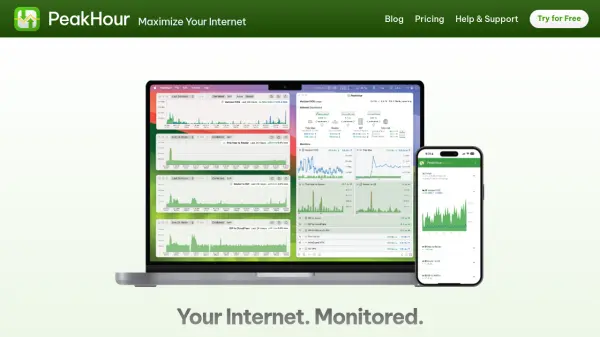
PeakHour offers advanced internet speed and quality monitoring exclusively for Mac users, delivering real-time insights through an intuitive menu bar interface. The tool visualizes key performance metrics between devices, routers, ISPs, and the wider internet, enabling users to identify connectivity issues before they impact experience.
With customizable displays, detailed interactive graphs, and support for protocols like UPnP and SNMP, PeakHour provides flexible monitoring options. Features include usage tracking, iCloud-powered remote access, and seamless macOS integration, making it a comprehensive solution for maintaining optimal internet performance.
Features
- Real-time Monitoring: Provides immediate internet performance and quality insights in the Mac menu bar
- Customizable Interface: Allows users to choose which monitors appear in the menu bar and adjust layout options
- Detailed Analytics: Features interactive graphs for reviewing bandwidth and latency metrics over time
- Remote Access: Enables monitoring from any device or browser through the PeakHour web app
- Usage Tracking: Helps users monitor internet usage to stay within data limits
- Protocol Support: Compatible with UPnP and SNMP protocols for broader network device integration
- iCloud Integration: Uses iCloud for automatic activation when monitoring multiple Macs on a network
- Export Capabilities: Allows periodic export of usage data to files for offline analysis
Use Cases
- Monitoring internet connection quality to troubleshoot intermittent issues
- Tracking bandwidth usage to avoid exceeding data limits
- Analyzing network performance between devices and routers
- Remote monitoring of internet vitals from mobile devices
- Reviewing historical internet performance data for optimization
Related Queries
Helpful for people in the following professions
PeakHour Uptime Monitor
Average Uptime
0%
Average Response Time
0 ms