ReddRadar
What is PDF PDF?
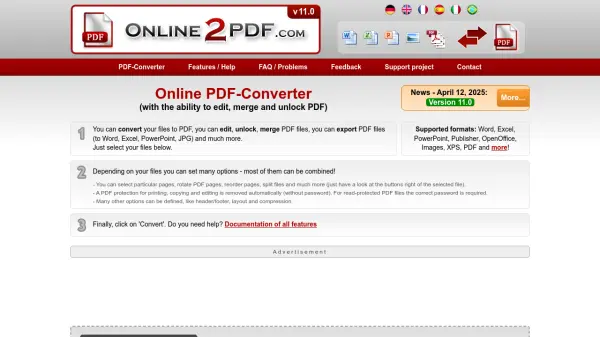
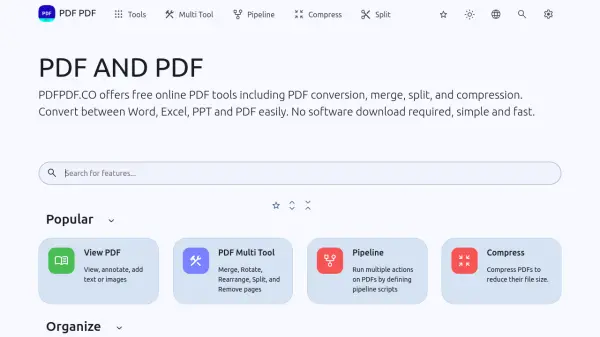
PDF PDF is a free online platform providing a wide array of tools for managing and manipulating PDF documents. It allows users to perform various operations without needing to download or install any software.
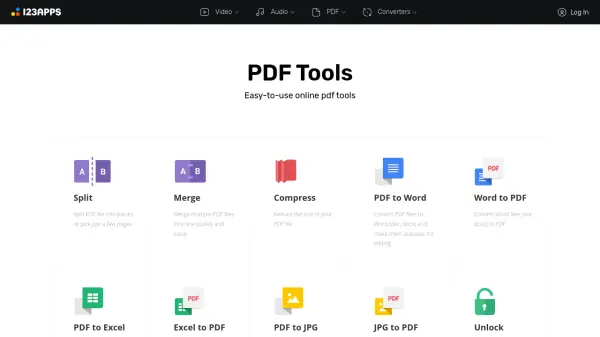
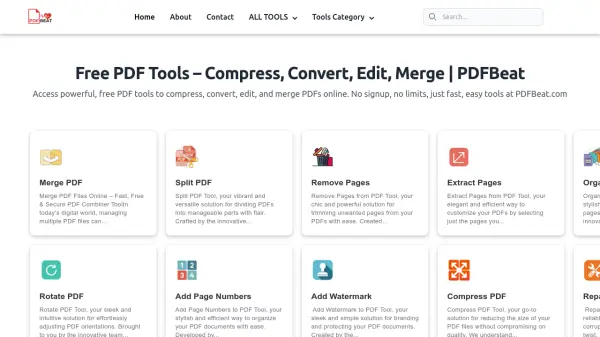
The service includes tools for converting files to and from PDF format, merging multiple PDFs, splitting a single PDF into multiple files, compressing PDFs to reduce file size, rotating pages, cropping, and organizing pages. Users can also enhance security by adding or removing passwords, changing permissions and adding watermarks or signatures. Additionally, PDF PDF offers advanced features such as OCR, metadata editing, and PDF repair.
Features
- Merge: Easily merge multiple PDFs into one.
- Split: Split PDFs into multiple documents.
- Compress: Compress PDFs to reduce their file size.
- Rotate: Easily rotate your PDFs.
- Crop PDF: Crop a PDF to reduce its size (maintains text!).
- Convert file to PDF: Convert nearly any file to PDF (DOCX, PNG, XLS, PPT, TXT and more).
- PDF to Word: Convert PDF to Word formats (DOC, DOCX and ODT).
- Add Password: Encrypt your PDF document with a password.
- Remove Password: Remove password protection from your PDF document.
- OCR / Cleanup scans: Cleanup scans and detects text from images within a PDF and re-adds it as text.
Use Cases
- Combining multiple reports into a single PDF document.
- Extracting specific pages from a large PDF.
- Reducing the file size of a PDF for email attachment.
- Converting a Word document to PDF format.
- Converting a PDF to an editable Word document.
- Password-protecting a sensitive PDF document.
- Rotating pages in a PDF that were scanned sideways.
- Adding page numbers to a PDF document.
Related Queries
Helpful for people in the following professions
PDF PDF Uptime Monitor
Average Uptime
0%
Average Response Time
0 ms