ReddRadar


What is Online Image Resizer Free?
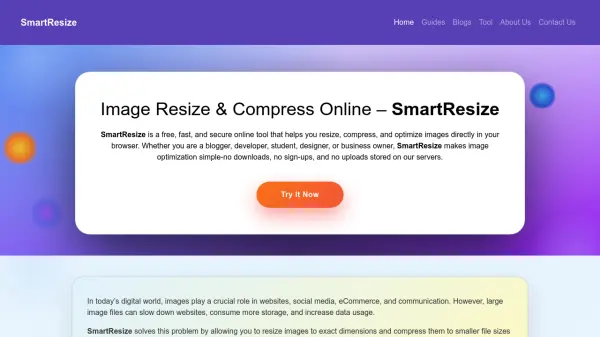
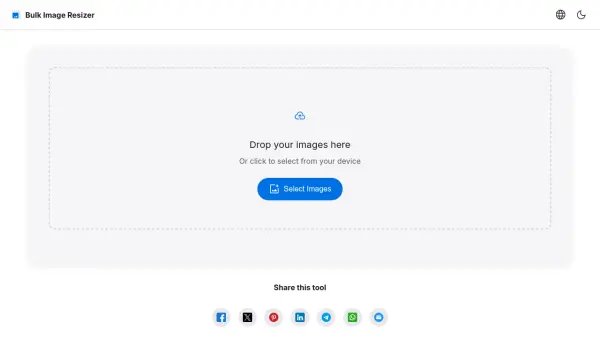
Online Image Resizer Free is a comprehensive web-based image processing tool designed to help users quickly resize images for various social media platforms and web applications. The tool supports over 50 major platforms including Instagram, Facebook, Twitter/X, LinkedIn, YouTube, and TikTok, providing platform-specific templates and dimensions to ensure optimal display. Users can upload multiple images or paste image URLs, select multiple platforms simultaneously, and customize settings such as aspect ratio, quality, and output format.
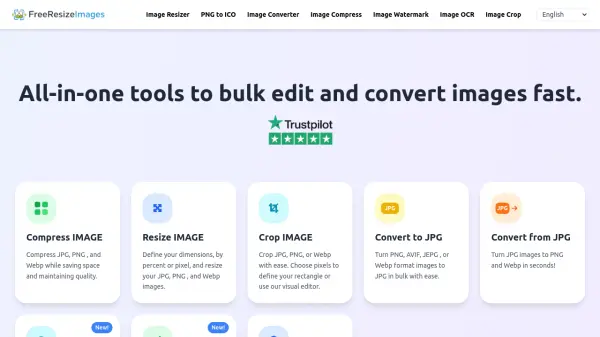
The tool features advanced options like smart cropping with content-aware algorithms, batch processing for efficiency, and direct sharing capabilities to social platforms. It supports input formats including JPEG, PNG, WebP, and GIF, with output options for JPEG, PNG, WebP, and AVIF formats. All processing occurs in the browser, ensuring user privacy as images are not stored on servers. The tool is completely free to use with no limits on the number of images resized, making it ideal for social media managers, content creators, and businesses needing consistent visual content across multiple channels.
Features
- Platform Support: Supports over 50 social media platforms including Instagram, Facebook, Twitter/X, LinkedIn, YouTube, and TikTok with platform-specific templates
- Batch Processing: Process multiple images simultaneously for multiple platforms, with options to download as ZIP files
- Smart Cropping: Content-aware algorithms automatically crop images to preserve important content while adapting to target dimensions
- Format Optimization: Supports input formats JPEG, PNG, WebP, GIF and output formats JPEG, PNG, WebP, AVIF with quality control settings
- Privacy Focused: All image processing occurs in the browser without uploading to servers, ensuring user data privacy
Use Cases
- Resizing images for social media posts across multiple platforms simultaneously
- Optimizing website images for faster loading and better SEO performance
- Creating consistent brand visuals across different social media channels
- Batch processing product images for e-commerce platforms
- Preparing images for presentations, documents, and marketing materials
FAQs
-
What is the maximum file size for uploaded images?
Images up to 20MB can be uploaded, with 1MB-5MB recommended for faster processing while maintaining quality. -
How does the tool handle image privacy?
All processing occurs in the browser without uploading images to servers, and images are deleted when the page is closed. -
Can I customize image dimensions beyond platform templates?
Yes, custom width and height options are available with maintain aspect ratio and multiple resize methods. -
What output naming options are available for batch processing?
Options include original name with dimensions, platform with type, or custom prefix with numbering. -
How current are the platform size requirements?
The tool is continuously updated with the latest platform specifications to ensure compliance.
Related Queries
Helpful for people in the following professions
Online Image Resizer Free Uptime Monitor
Average Uptime
0%
Average Response Time
0 ms