ReddRadar


What is Free Image Resizer?
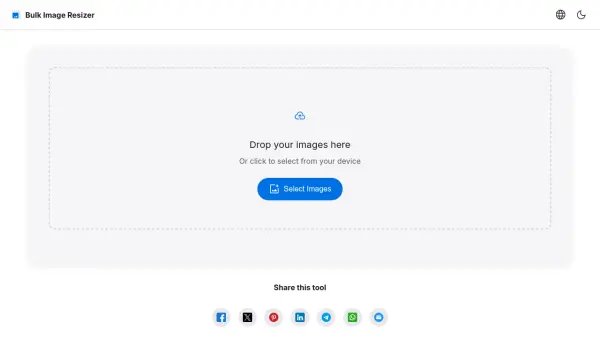
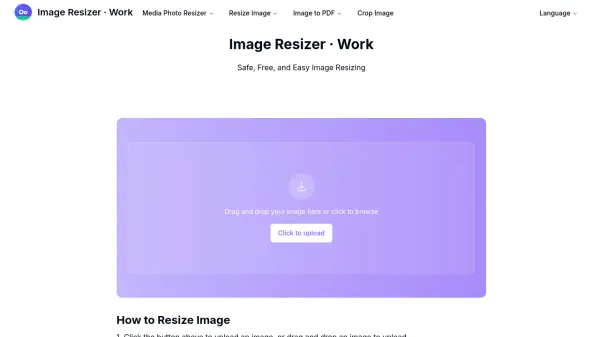
Free Image Resizer is an online application designed to resize images efficiently while maintaining quality. It enables users to upload multiple images and adjust dimensions through standard presets, custom settings, or percentage-based scaling. The tool supports cropping modes like crop and contain, with options to set background colors and force specific widths and heights. It processes images directly in the browser without storing data on servers, ensuring security and speed.
This tool is compatible with various formats including BMP, GIF, JPG, PNG, and iPhone HEIC files. It helps optimize images for different uses such as print or social media by resizing them to match screen resolutions, reducing file sizes without compromising detail. The interface allows for easy drag-and-drop uploads and provides real-time previews of resized images.
Features
- Bulk Resizing: Process multiple images simultaneously with various resize options
- Crop Modes: Includes crop and contain modes for precise image adjustments
- Format Support: Compatible with BMP, GIF, JPG, PNG, and iPhone HEIC files
- Browser-Based: Operates entirely online without storing data on servers
- Real-Time Preview: Displays format, size, and resolution changes before download
Use Cases
- Resizing images for social media profiles like LinkedIn or Twitter
- Optimizing photos for print by adjusting dimensions and quality
- Reducing image file sizes for web use to improve loading speeds
- Cropping images to specific aspect ratios for visual content creation
- Bulk processing of multiple images for e-commerce or marketing materials
FAQs
-
What image formats does Free Image Resizer support?
It supports typical formats like BMP, GIF, JPG, PNG, and other formats such as iPhone HEIC files. -
Is Free Image Resizer secure to use?
Yes, all processing is done online without storing information on any server, ensuring security and privacy. -
Can I resize multiple images at once?
Yes, it is a bulk resizer app that allows uploading and processing multiple images simultaneously. -
Does Free Image Resizer work on mobile devices?
Yes, it is compatible with various devices including Windows, Mac, iPhone, Android, and others. -
How does Free Image Resizer maintain image quality?
By resizing images to match screen resolutions, it reduces pixel count without losing detail, even in full-screen mode.
Related Queries
Helpful for people in the following professions
Free Image Resizer Uptime Monitor
Average Uptime
0%
Average Response Time
0 ms