ReddRadar


What is mpTrim?
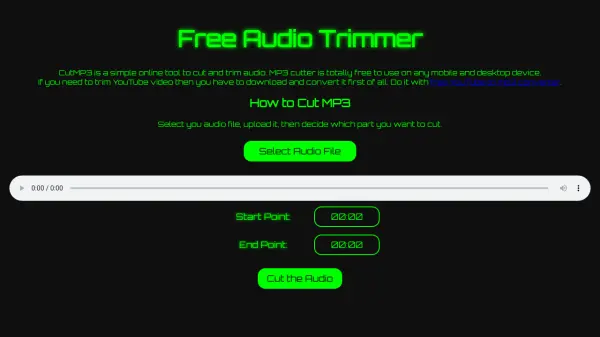
mpTrim is an MP3 editor designed for straightforward audio file management. It enables users to trim silent or unwanted sections from MP3s, adjust volume manually or through automatic normalization, and apply fade-in/fade-out effects to smooth abrupt beginnings or endings. The tool also cleans up MP3s to recover wasted disk space, maintaining music quality by operating directly in the MP3 format without decoding or re-encoding, which ensures fast processing and prevents quality loss.
Available for free with no evaluation period or time limits, mpTrim supports Windows XP through Windows 10 and offers multiple language options. Registered users can access mpTrim PE for extended file size support and features like CRC fix and VBR seek information header creation, while professional users may opt for mpTrim PRO with additional capabilities.
Features
- Trim MP3s: Remove silent or unwanted parts from audio files
- Volume Adjustment: Manual or automatic volume normalization
- Fade Effects: Apply fade-in and fade-out to smooth audio transitions
- Clean-up: Recover wasted disk space by cleaning MP3s
- Quality Preservation: Works directly in MP3 format without decoding/re-encoding to maintain quality
Use Cases
- Removing silence from podcast recordings
- Normalizing volume levels in music collections
- Smoothing abrupt audio starts and ends in audio clips
- Cleaning up MP3 files to save storage space
- Editing MP3s for personal or professional audio projects