ReddRadar

What is Internet Download Manager?
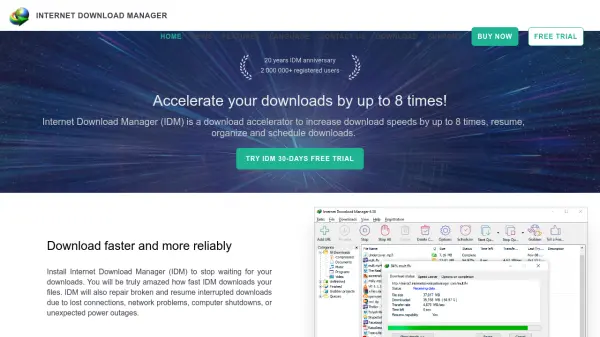
Internet Download Manager (IDM) is a comprehensive download management solution designed to optimize file downloading from the internet. The tool employs advanced dynamic file segmentation technology that intelligently divides files during the download process, enabling acceleration of download speeds by up to eight times compared to standard downloading methods. This innovative approach allows IDM to reuse available connections without requiring additional authentication stages, maximizing network efficiency and reliability.
The software seamlessly integrates with all major web browsers including Google Chrome, Firefox, Microsoft Edge, Opera, and Safari through specialized browser extensions. IDM automatically takes over downloads from browsers and provides convenient features like one-click downloading of multiple selected links. The tool includes a built-in scheduler for automated downloading at specified times, download categorization for organization, and customizable interface options with multiple themes. IDM can repair broken downloads and resume interrupted transfers caused by network issues or system shutdowns, ensuring complete file downloads even in unstable conditions.
Features
- Dynamic File Segmentation: Uses unique algorithms to divide files during download for up to 8x speed acceleration
- Browser Integration: Seamlessly works with Chrome, Firefox, Edge, Opera, Safari and other browsers through extensions
- Download Resumption: Automatically resumes interrupted downloads due to network problems or system shutdowns
- Built-in Scheduler: Connects to internet at scheduled times to download files automatically
- Download Organization: Automatically categorizes downloads using customizable file type and site-based categories
- Customizable Interface: Offers multiple skins, themes, and configurable toolbar layouts
Use Cases
- Accelerating large file downloads from the internet
- Resuming interrupted downloads after connection loss
- Scheduling downloads during off-peak hours
- Organizing downloaded files by type or source
- Downloading multiple files simultaneously with one click
- Downloading videos from web players and sharing sites
FAQs
-
What browsers does Internet Download Manager support?
IDM integrates with Google Chrome, Firefox, Microsoft Edge, Opera, Safari, Internet Explorer, AOL, MSN, Maxthon and other popular browsers through browser extensions. -
How does IDM accelerate download speeds?
IDM uses dynamic file segmentation technology that divides files during download and reuses available connections without additional authentication, achieving up to 8 times faster downloads. -
Can IDM resume interrupted downloads?
Yes, IDM can repair broken downloads and resume interrupted transfers caused by lost connections, network problems, computer shutdowns, or power outages. -
Is there a free trial available?
Yes, Internet Download Manager offers a 30-day free trial with no email or credit card required to test all features. -
What operating systems are supported?
IDM supports Windows 7, Windows 8/8.1, Windows 10, and Windows 11 operating systems.