
What is EveryLang?
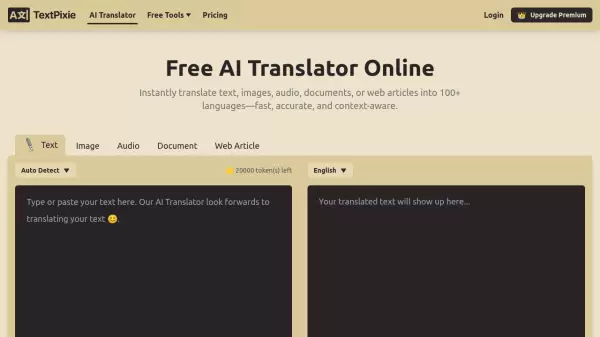
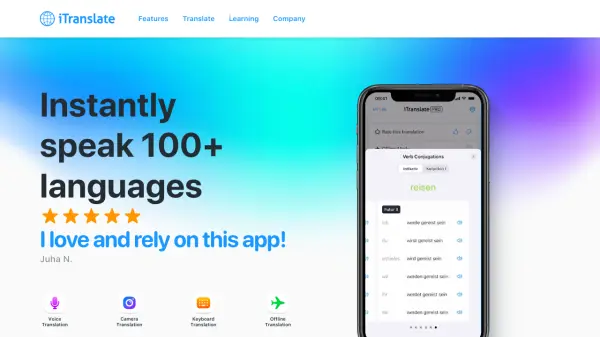
EveryLang is a comprehensive text utility application designed to streamline text-related tasks across various applications. The tool integrates multiple functionalities including translation using services like Google, Microsoft, and Yandex, supporting over 100 languages. It also offers spell checking for languages such as Russian, Ukrainian, English, French, German, Spanish, Italian, Portuguese, and Brazilian.
Additional features include keyboard layout management with auto-switching and indicators, clipboard history management, text entry diary, text snippets for quick insertion, and optical character recognition (OCR) for extracting text from images, PDFs, or screen areas. EveryLang enhances productivity by providing essential text manipulation tools in a single interface.
Features
- Text Translation: Translates text using Google, Microsoft, and Yandex services with support for over 100 languages
- Spell Check: Checks spelling in Russian, Ukrainian, English, French, German, Spanish, Italian, Portuguese, and Brazilian languages
- Keyboard Layout Management: Switches and indicates current keyboard layout with auto-switching capabilities
- Clipboard History: Manages clipboard history for reusing saved text fragments
- Text Snippets: Inserts predefined texts with saved caret positions using hotkeys
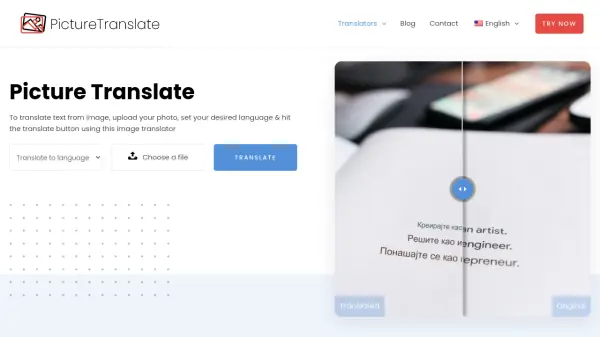
- OCR: Recognizes text from images, PDF files, or screen areas for copying or translation
- SmartClick: Provides mouse-based text functions including copy, translate, spell check, and case change
- Text Converter: Converts expressions, numbers, dates, and text styles including CamelCase and transliteration
Use Cases
- Translating documents or text snippets between multiple languages
- Checking and correcting spelling errors in various languages
- Managing keyboard layouts to prevent typing errors
- Tracking and reusing clipboard content across applications
- Inserting frequently used text templates quickly
- Extracting text from images or PDFs for editing or translation
- Converting text formats and styles for consistency
- Monitoring typed text history for reference or recovery
Related Queries
Helpful for people in the following professions
EveryLang Uptime Monitor
Average Uptime
0%
Average Response Time
0 ms