ReddRadar

What is Amuse?
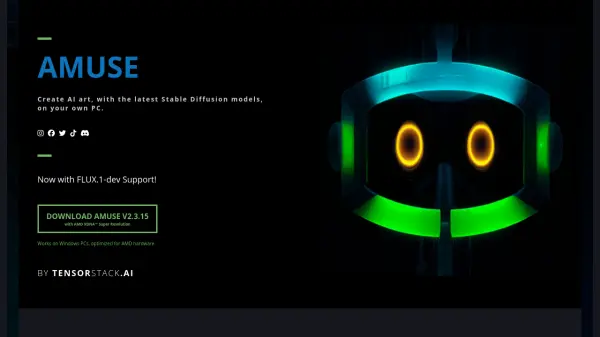
A powerful desktop application that brings professional-grade AI art generation capabilities directly to Windows PCs. Optimized specifically for AMD hardware, the software leverages Stable Diffusion models to enable users to create stunning AI-generated artwork without requiring cloud connections or subscriptions.
The application features an intuitive EZ Mode for beginners, custom AI filters for image modification, and a unique Design mode that transforms simple sketches into detailed artwork. With support for the latest FLUX.1-dev model and AMD XDNA™ Super Resolution, it offers cutting-edge capabilities for both casual users and professional creators.
Features
- Local Processing: Generate images using your computer's GPU, CPU, or NPU
- EZ Mode: Simplified interface for quick start with no setup required
- Custom AI Filters: Apply AI-powered modifications to existing images
- Design Mode: Convert sketches into detailed artwork with AI assistance
- AMD Optimization: Enhanced performance with AMD hardware
- FLUX.1-dev Support: Latest model integration
- No Login Required: Use without account creation
- AMD XDNA™ Super Resolution: Advanced image enhancement capability
Use Cases
- Creating original artwork from text descriptions
- Enhancing and modifying existing photos
- Converting rough sketches into detailed images
- Digital art creation and manipulation
- Photo filtering and style transfer
- Concept art development
- Artistic exploration and experimentation
FAQs
-
What are the minimum specifications for running FLUX.1 in Amuse?
The minimum specifications are 24GB VRAM, 32GB RAM, and 40GB Disk Space. -
What hardware is recommended for running Amuse?
Amuse is optimized for AMD hardware, specifically AMD Ryzen™ AI 300 series processors with 24GB RAM or higher, AMD Ryzen™ 8040 series processors, and Radeon™ RX 7000 Series Graphics Cards. -
Do I need an internet connection to use Amuse?
No, Amuse runs locally on your PC and doesn't require an internet connection for generating images.
Related Queries
Helpful for people in the following professions
Amuse Uptime Monitor
Average Uptime
0%
Average Response Time
0 ms