
What is 2scan?
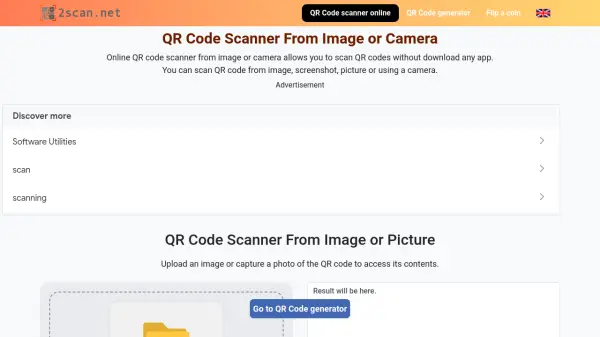
2scan is a free online QR code scanner that allows users to read QR codes directly from their browser without installing any software. It supports scanning from both uploaded images or screenshots and live camera feeds, making it versatile for any device. The tool automatically detects and decodes the QR code, displaying the embedded information such as URLs, text, contact details, or Wi-Fi credentials.
With a simple and intuitive interface, users can upload an image, capture a photo, or use their webcam to scan a QR code instantly. The results are shown in a clear text box that can be copied with one click. 2scan also provides a QR code generator for creating new codes. It is compatible across operating systems and browsers, offering a consistent experience for quick access to QR code data.
Features
- Scan from Image: Upload a QR code image or screenshot to read its content.
- Scan from Camera: Use your device's camera to scan physical QR codes in real time.
- Multiple QR Code Types: Supports URL, text, email, WiFi, phone number, SMS, vCard, location, and event codes.
- Copy Results: One-click copy of decoded information.
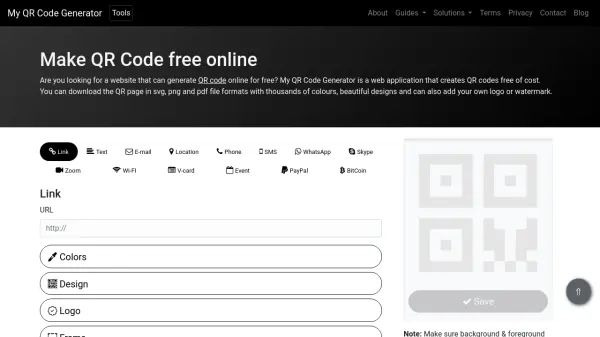
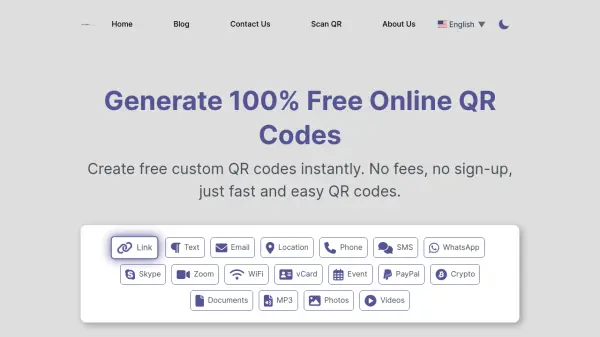
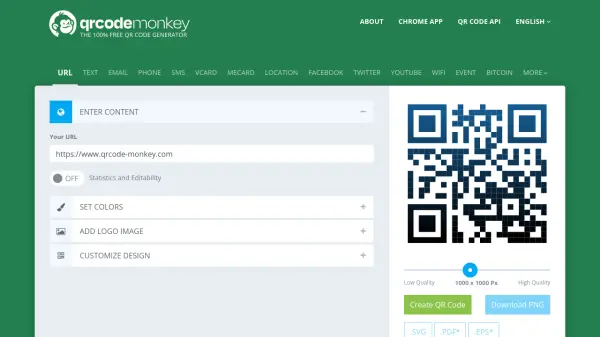
- QR Code Generator: Create new QR codes for free.
- Cross-Platform: Works on any device and browser without app installation.
Use Cases
- Quickly access website links from printed QR codes.
- Read WiFi credentials from a QR code without typing.
- Scan contact info from a vCard QR code.
- Decode QR codes from screenshots or photos.
- Use as a temporary QR reader when your phone camera fails.
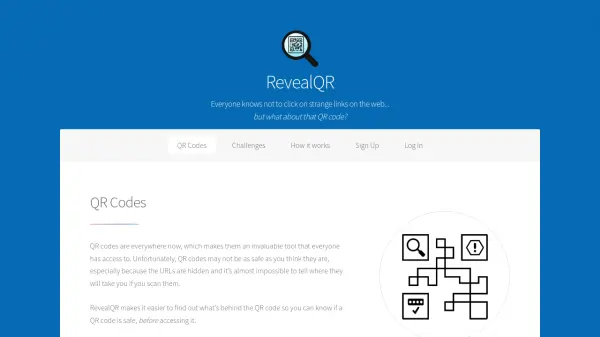
- Verify QR code safety by viewing the link before opening.
FAQs
-
Can I scan a QR code from an image on my computer?
Yes, simply upload the image or drag and drop it onto the scanner area. The tool will automatically decode the QR code and display its contents. -
Does 2scan work on mobile phones?
Yes, 2scan works on any device with a browser and internet connection. You can use it on your phone without downloading an app. -
What types of QR codes can 2scan read?
2scan supports URL, text, email, WiFi, phone number, SMS, vCard, location, and event QR codes. -
What should I do if the scanner says 'No QR code found'?
Ensure the image is clear and cropped to show only the QR code. Try using the camera method instead. If issues persist, refresh the page or contact support at support@2scan.net. -
Is 2scan free to use?
Yes, 2scan is completely free with no hidden charges or subscriptions.