ReddRadar

What is WebP Converter?
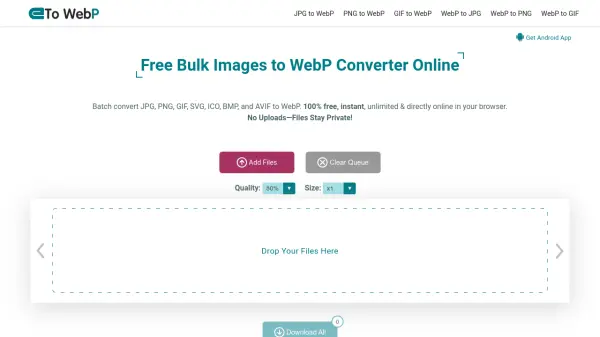
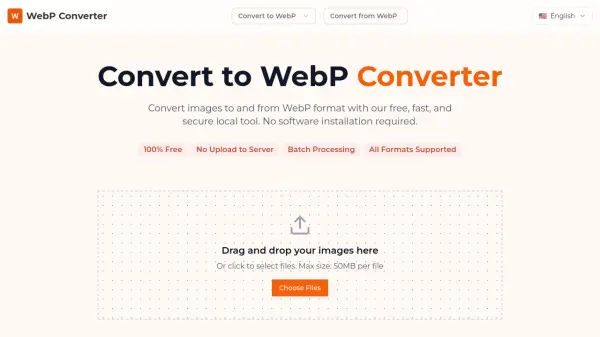
WebP Converter enables users to effortlessly convert images to and from the WebP format with a focus on security, speed, and versatility. Operating entirely within the user's browser, it ensures data privacy by not uploading files to any external servers. Users can batch convert images of various file types, including JPG, PNG, GIF, BMP, TIFF, SVG, MP4, PDF, and many more, supporting both popular and rare formats for maximum compatibility.
The tool is 100% free to use and does not require any registration or software installation. Users benefit from efficient processing that is designed for optimal web performance, producing smaller file sizes without sacrificing visual quality. With support for transparency, animation, and all major image features, WebP Converter is ideal for developers, designers, and anyone looking to manage image assets securely and quickly.
Features
- Local Processing: All conversions are handled securely within the browser, with no data uploaded.
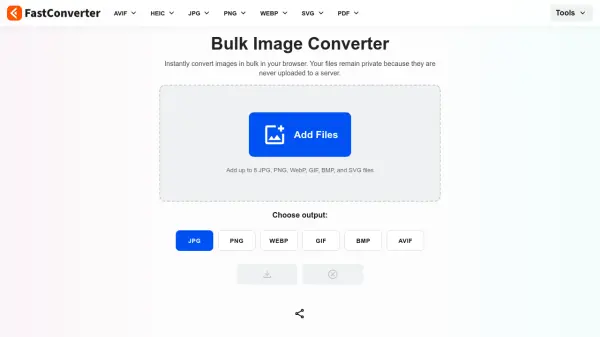
- Batch Conversion: Convert multiple files simultaneously for maximum efficiency.
- Widely Supported Formats: Handles popular and rare formats, including images (JPG, PNG, GIF, BMP, TIFF, SVG, etc.), video (MP4), and documents (PDF).
- Preserves Quality: Maintains visual fidelity, supports transparency and animation.
- Completely Free: No registration, usage limits, or watermarks.
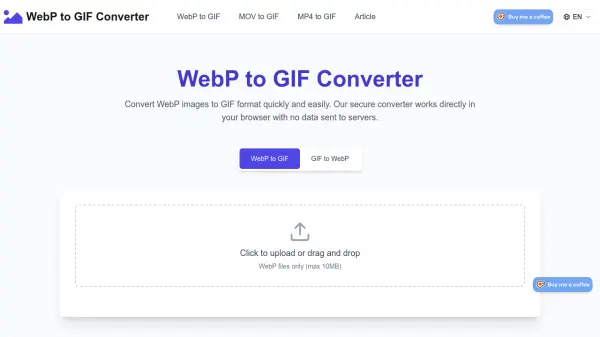
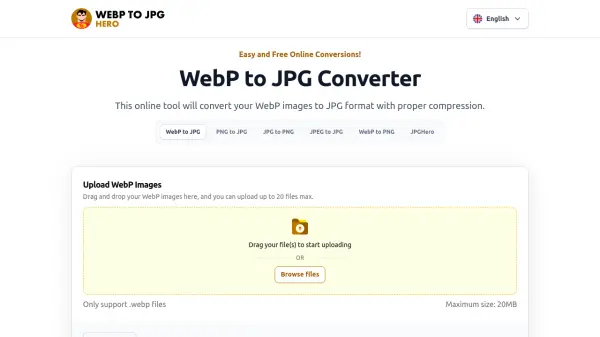
- Easy Drag & Drop: User-friendly interface with drag-and-drop functionality.
- Large File Support: Maximum size of 50MB per file.
Use Cases
- Convert multiple images to WebP for faster website loading times.
- Transform entire photo galleries to WebP for optimized cloud storage.
- Convert animation GIFs to WebP format for better compression and web performance.
- Batch convert design assets from PNG or TIFF to WebP for use in web development.
- Export scanned documents in PDF format to individual WebP images.
- Process and compress images locally for privacy-sensitive applications.
FAQs
-
Why won't my image convert?
There may be issues with unsupported file types, corrupted files, or exceeding the maximum file size limit of 50MB. Ensure your files meet the requirements. -
How do I control the quality of the output?
Quality settings for output are typically managed automatically to balance compression and visual fidelity. Advanced control may not be available in this free converter. -
Can I convert multiple files at once?
Yes, WebP Converter supports batch processing, allowing you to convert multiple images simultaneously for greater efficiency. -
Is my data safe?
Yes, all processing is performed locally in your browser. No images are uploaded to any server, ensuring your data remains private.