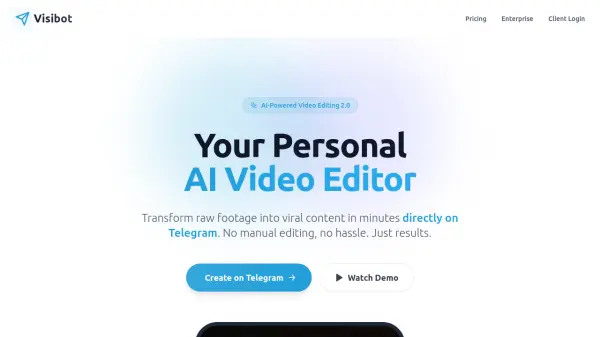
What is Visibot?
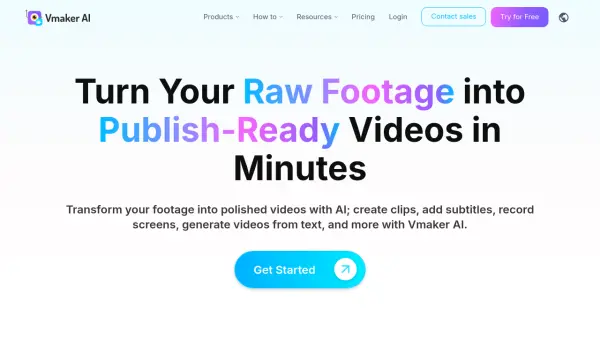
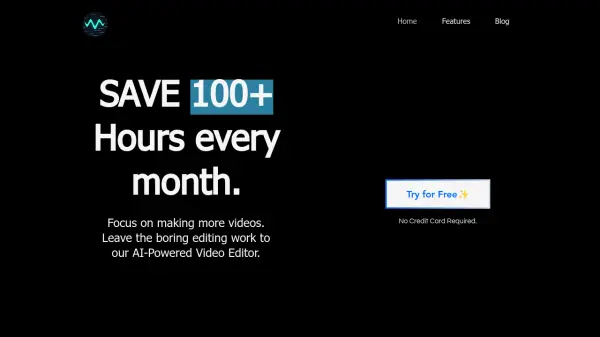
Visibot is an AI-powered video editing platform designed to transform raw footage into polished, engaging content within minutes. The tool automates the entire editing process, handling tasks such as silence removal, subtitle generation, and media enhancement directly from a mobile app, making professional video creation accessible without technical skills.
With support for over 50 languages and seamless integration across social media platforms like Instagram, TikTok, LinkedIn, and Facebook, Visibot enables users to focus on content creation while the AI manages editing, optimization, and publishing. The platform offers a cloud-powered experience with features like auto-trimming, contextual media addition, and one-click posting, significantly reducing editing time and costs for creators and businesses.
Features
- Auto Silence Removal: AI detects and removes awkward pauses to keep content engaging
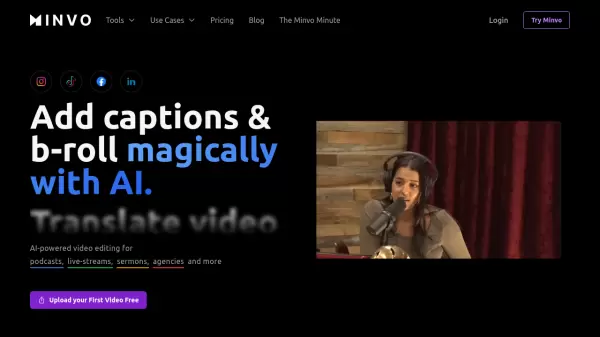
- Smart Subtitles: Generates accurate, timed subtitles in 50+ languages to boost engagement
- AI-Generated Media: Automatically adds contextual images and video clips to illustrate key points
- Mobile App Convenience: Full editing capabilities available on iOS and Android devices
- Multi-Platform Publishing: Optimizes and publishes videos automatically to Instagram, TikTok, LinkedIn, and Facebook
- Cross-Platform Dashboard: Manages content, brand settings, and social accounts from any device
Use Cases
- Creating social media content for platforms like Instagram and TikTok
- Producing professional videos for business marketing on LinkedIn
- Generating educational or coaching content with automated editing
- Streamlining video production for content creators and agencies
- Translating video content into multiple languages for wider reach
- Saving time on manual video editing tasks
FAQs
-
How long does the editing take?
Processing time depends on video length, with most videos completed in 3-10 minutes. The AI works in the background, allowing users to upload and forget about it without waiting. -
What video formats are supported?
Visibot supports all major video formats including MP4, MOV, AVI, WebM, and more. Users can upload raw footage through the app. -
Can I edit the AI-generated content?
Yes, users can customize subtitles, adjust effects, and remove media clips if needed before posting. -
Is my content kept private?
Absolutely. Visibot never shares videos with third parties, processes content securely, and gives users full control over publishing. -
Do you support non-English languages?
Yes, Visibot supports subtitles and content optimization in 50+ languages including Spanish, French, German, Chinese, and Japanese.
Related Queries
Helpful for people in the following professions
Visibot Uptime Monitor
Average Uptime
0%
Average Response Time
0 ms