ReddRadar

What is Viinyx AI?
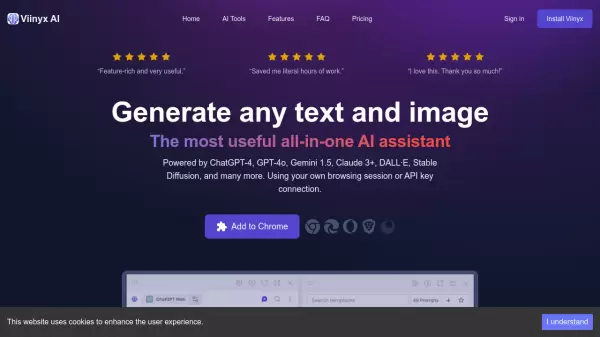
Viinyx AI is a powerful browser extension that transforms how users interact with AI technology across the web. The platform seamlessly integrates leading AI models including ChatGPT-4, Gemini 1.5, Claude 3, and DALL·E, allowing users to access AI capabilities directly within their browsing experience.
The extension provides comprehensive functionality through its core components: an AI chatbox accessible anywhere, context-aware writing assistance, and powerful document analysis capabilities. With features like local data storage, voice interaction, and cross-tab chat synchronization, Viinyx AI delivers a secure and efficient AI-powered workflow enhancement tool.
Features
- AI Chatbox: Access multiple AI models through a universal chat interface
- Writing Assistant: Context-aware content generation and editing across websites
- Document Analysis: Process and analyze PDFs and images with AI
- Voice Interaction: Support for voice commands and text-to-speech responses
- Prompt Library: Extensive collection of customizable prompts
- Multi-Model Support: Integration with 150+ AI models
- Privacy Focus: Local data storage with no remote servers
- Cross-Platform Sync: Chat history synchronization across browser tabs
Use Cases
- Content creation and editing
- Email and message composition
- Document summarization
- Image generation and editing
- Code assistance
- Research and analysis
- Language translation
- Video content summarization
FAQs
-
What browsers are compatible with Viinyx?
Viinyx works with chromium-based browsers including Google Chrome, Microsoft Edge, Opera, and Brave. Firefox and Safari versions are planned for future development. -
Can I use my own API keys with Viinyx?
Yes, you can connect your own API keys for services like OpenAI, OpenRouter, Anthropic, DALL·E, and Stable Diffusion. -
How is user data handled?
All user data, including configurations, API keys, browsing data, and chat history, is stored locally in the browser. No data is transferred to remote servers.