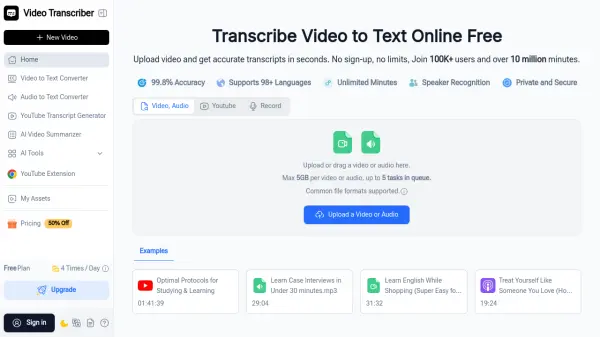
What is Video Transcriber AI?
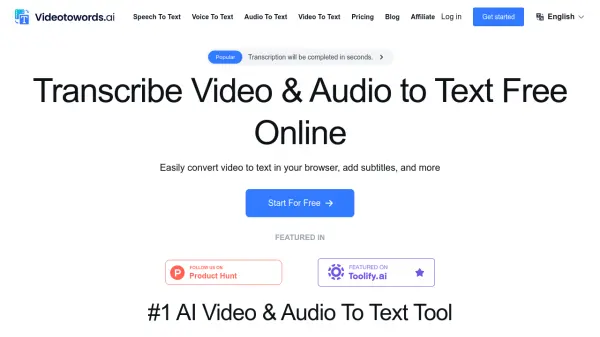
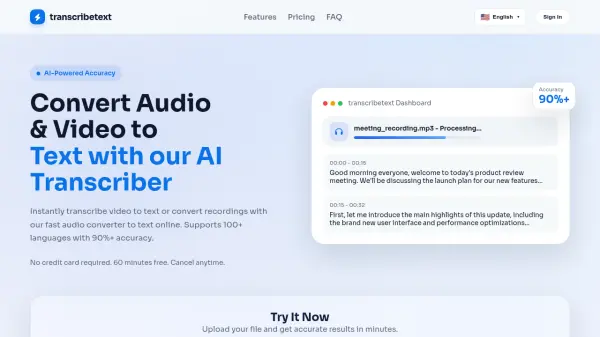
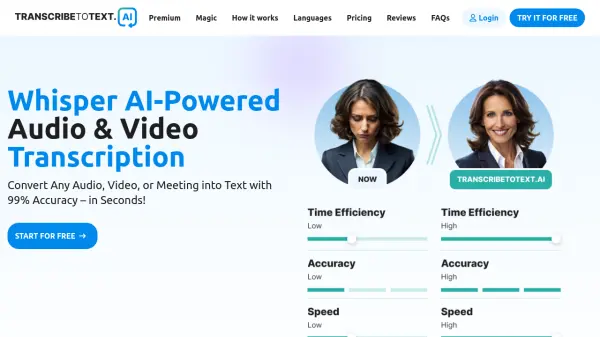
Video Transcriber AI is an advanced online transcription platform that transforms video and audio content into accurate, readable text with minimal effort. The tool processes various file formats including MP4, MOV, AVI, YouTube links, and Zoom recordings, delivering transcripts with up to 99.8% accuracy. Users can upload files up to 5GB and process up to 5 tasks simultaneously without any software installation.
The platform features speaker recognition technology that identifies different voices in conversations, supports over 98 languages for global accessibility, and offers multiple accuracy modes to balance speed and precision. Video Transcriber AI provides additional functionality including AI-powered chat, summarization, translation for 100+ languages, and noise reduction capabilities. The service maintains user privacy while delivering fast, browser-based transcription that works seamlessly for students, professionals, content creators, and researchers who need reliable text conversion from multimedia content.
Features
- 99.8% Transcription Accuracy: Delivers highly accurate text conversion from video and audio content with multiple precision modes
- 98+ Language Support: Transcribes content in over 98 languages with translation capabilities for 100+ languages
- Speaker Recognition: Automatically identifies and labels different speakers in conversations, meetings, and interviews
- Large File Processing: Handles video and audio files up to 5GB with support for unlimited YouTube videos with subtitles
- Multiple Format Support: Works with MP4, MOV, AVI, Zoom recordings, YouTube links, and other common video/audio formats
- Batch Processing: Queue up to 5 videos or audio files simultaneously for efficient bulk transcription
- AI-Powered Features: Includes AI chat, automatic summarization, and content analysis capabilities
- Noise Reduction: Built-in technology to improve transcription accuracy from audio with background noise
Use Cases
- Students transcribing online lectures and course videos into study notes for easier review and sharing
- Businesses converting Zoom meetings and webinars into searchable text records for documentation
- Content creators generating captions and scripts from YouTube videos for blogs and social media
- Journalists transcribing interviews and press conferences for accurate and timely reporting
- Researchers converting recorded interviews and talks into text for analysis and citation
- Teachers creating accessible lesson materials and handouts from recorded classes
- Podcasters generating transcripts for show notes and improved SEO
- Teams documenting training sessions and presentations for knowledge management
How It Works
Upload your video
Choose a file from your computer or drag and drop it into the upload box. Video Transcriber supports MP4, YouTube links, Zoom recordings, and other common formats.
Let AI transcribe your video
The system processes your file automatically. Video Transcriber AI converts spoken words into accurate text, with the option to recognize different speakers and select your preferred language.
Copy, download, or share your transcript
Once the transcription is ready, you can copy text to your notes, download it as a file, or share it with teammates. Video Transcriber makes it easy to use transcripts for study, meetings, or content creation.
FAQs
-
What is the maximum file size I can upload?
You can upload video files up to 5GB. This limit allows you to process long recordings without splitting them. The free plan supports files up to 500MB, while paid plans support the full 5GB limit. -
Can it recognize multiple speakers in a video?
Yes. The tool has a speaker recognition option, which helps you see who is talking during meetings, interviews, or group discussions. -
Do I need to sign up before using the service?
No. Video Transcriber AI is free to use online, and you don't need to create an account to start transcribing. The free plan allows 4 transcripts daily without registration. -
What file formats does Video Transcriber AI support?
It works with popular formats like MP4, MOV, AVI, and recordings from Zoom or other meeting platforms. It also accepts YouTube links and other common video and audio file types. -
Can I transcribe multiple videos at once?
Yes. With Video Transcriber AI, you can queue up to 5 videos at the same time, making bulk transcription simple and efficient for all plan types.
Related Queries
Helpful for people in the following professions
Video Transcriber AI Uptime Monitor
Average Uptime
0%
Average Response Time
0 ms