ReddRadar

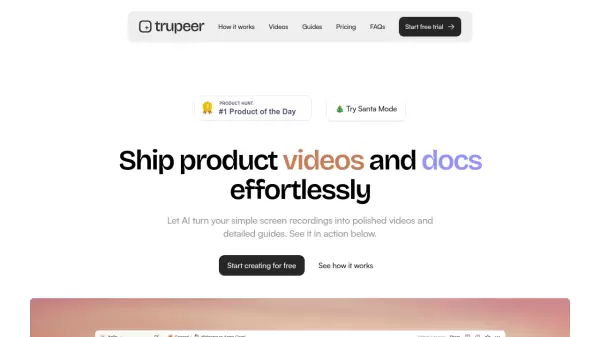
What is Trupeer?
Trupeer revolutionizes the creation of product content by leveraging AI technology to convert basic screen recordings into polished videos and comprehensive documentation. The platform streamlines the entire process by automatically generating professional voiceovers, implementing zoom effects, and cleaning up verbal fillers, while simultaneously creating structured documentation with screenshots and step-by-step instructions.
The platform offers a seamless workflow through its Chrome extension, enabling users to create high-quality content without any prior experience in video editing, technical writing, or graphic design. With features like automated screenshots, AI-generated descriptions, and multi-format export options, Trupeer significantly reduces the time and effort required for creating professional product content.
Features
- AI Voiceover Generation: Professional and human-like voice synthesis
- Automated Video Enhancement: Smart zoom effects and highlights
- Grammar Correction: AI-powered cleanup of speech and text
- Document Generation: Automated creation of step-by-step guides
- Multi-format Export: Support for PDF, Word, and Markdown formats
- Visual Customization: Custom wallpapers and background music options
- Chrome Extension: Easy screen recording and processing
Use Cases
- Product demonstrations and walkthroughs
- Technical documentation creation
- Training video production
- Sales demonstrations
- Customer onboarding materials
- Design workflow documentation
- YouTube content creation
- Learning and development resources
FAQs
-
How does Trupeer create videos?
It converts your screen recording into a transcript and visuals, then generates an AI script and voiceover to match, producing a professional video in minutes. -
How does Trupeer create documents?
It transforms your screen recording into a structured guide with appropriate headlines, descriptions, steps, and screenshots using AI. -
Do I need editing or writing experience?
No, Trupeer is user-friendly. Just create a rough screen recording, and the AI and automation engine handles the rest.