
What is Snapvids?
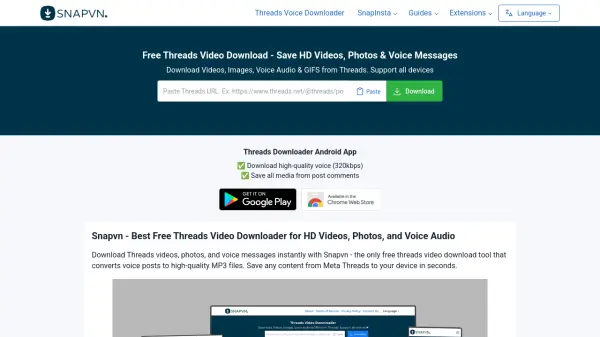
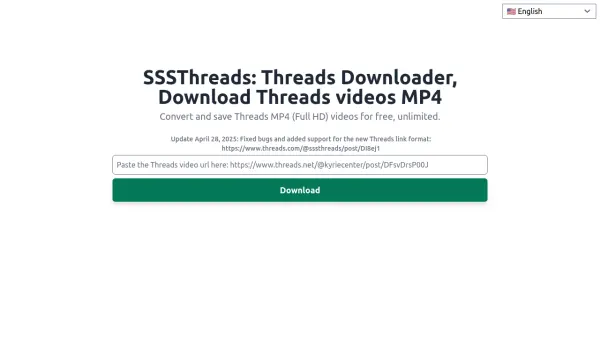
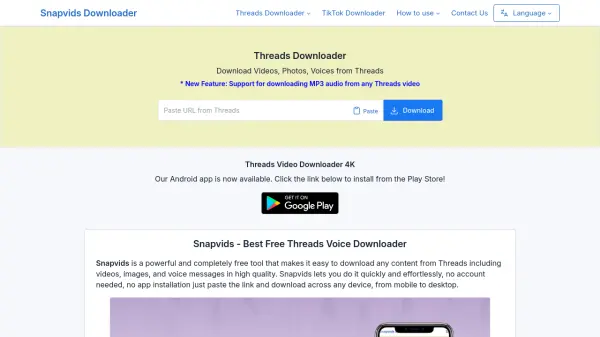
Snapvids is a powerful and completely free tool that makes it easy to download any content from Threads, including videos, images, and voice messages in high quality. It allows users to quickly and effortlessly save media without needing an account or app installation, just paste the link and download across any device, from mobile to desktop.
Key features include support for HD and 4K video downloads, 320kbps voice and audio downloads, and conversion of Threads videos to MP3 format. The service is compatible with all devices and browsers, offering high-speed unlimited downloads. Snapvids is ideal for anyone who wants to save Threads content for offline viewing or personal use.
Features
- Download Threads Videos, Photos, and Voice: Save any media from Threads directly to your device.
- High Quality Downloads: Supports HD and 4K video, and 320kbps audio.
- Convert to MP3: Easily convert Threads videos to high-quality MP3 audio.
- No Account Needed: Use the service without any registration or sign-up.
- Works on All Devices: Compatible with PC, Mac, Android, and iOS via browser.
- Unlimited and High-Speed: Download as much as you want with fast speeds.
Use Cases
- Downloading Threads videos for offline viewing.
- Saving voice messages from Threads as MP3 files.
- Archiving personal Threads photos and GIFs.
- Converting Threads video content to audio for listening on the go.
- Backing up public Threads media content.
FAQs
-
Is Snapvids free to use?
Yes, Snapvids is a 100% free service with no usage restrictions. -
Do I need to sign up to use Snapvids?
No, you don't need to register or sign up. Just paste the link and download. -
Can I download private videos from Threads?
No, only videos, photos, and voice from public accounts can be downloaded due to privacy issues. -
How do I convert a Threads video to MP3?
Copy the link, paste it into the Snapvids tool, choose the 'Download MP3' option, and click download. -
Is it legal to download voice from Threads.net to MP3?
Downloading is only legal if you own the content or have permission from the creator. Use it for personal, non-commercial use.