What is slidessaver.com?
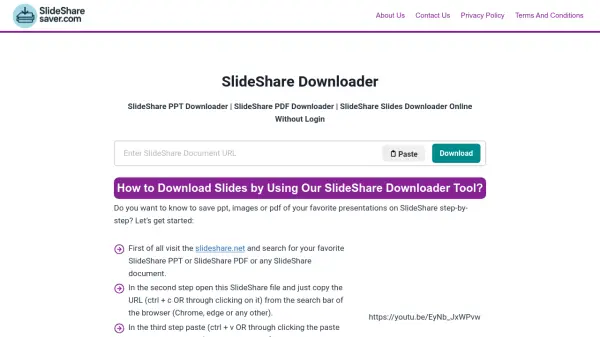
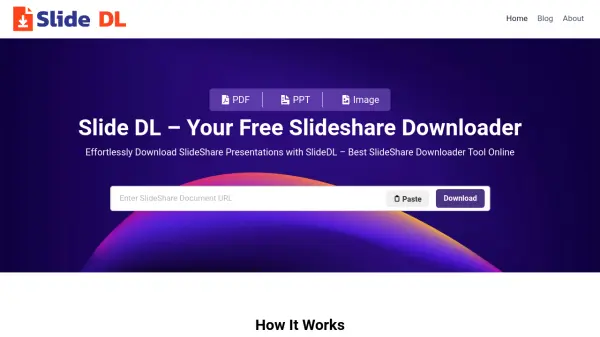
Slideshare Downloader is a web-based tool designed to facilitate the downloading of Slideshare presentations, documents, and infographics. It operates without requiring user login or registration, ensuring privacy and convenience. The tool supports various file formats including PDF, PPT, DOCX, and ZIP, allowing users to select their preferred output. Users can preview slides before downloading and choose specific pages, enhancing control over the content they save.
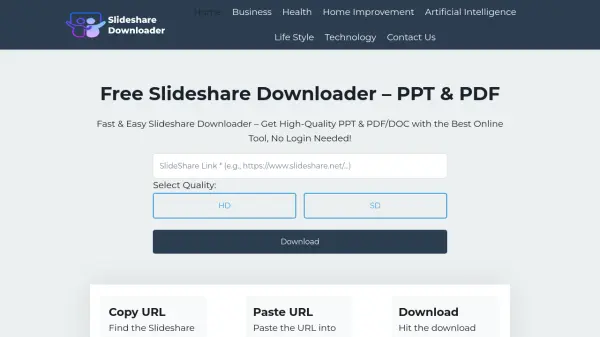
The tool is compatible with all devices, including mobile, desktop, PC, and iOS, accessible through any web browser. It provides options for quality selection, such as HD or SD, and removes watermarks from downloaded files. Slideshare Downloader is completely free, with no hidden charges or download restrictions, making it suitable for students, professionals, and researchers who need unlimited access to Slideshare materials.
Features
- Unlimited Downloads: No restrictions on the number of slides or presentations you can download.
- Multiple File Formats: Download in PPT, PDF, DOCX, or ZIP formats according to your needs.
- Quality Selection: Choose between HD (High Dimension) or SD (Standard Dimension) for optimal visual clarity.
- Preview Before Download: View slides before downloading and select specific pages for customized downloads.
- No Login Required: Access the tool instantly without signing up or sharing personal information.
- Watermark Removal: Download slides without Slideshare watermarks for unrestricted use.
- Device Compatibility: Works on mobile, desktop, PC, Mac, and iOS devices via web browsers.
- Safe and Secure: Built with security measures, no data storage, and protection against viruses or errors.
Use Cases
- Downloading educational presentations for offline study or research.
- Saving business documents and infographics for professional reference.
- Accessing Slideshare content after reaching the platform's free download limit.
- Converting Slideshare files to different formats like PDF or DOCX for compatibility.
- Previewing and selecting specific slides from presentations to avoid downloading entire files.
- Using Slideshare materials on mobile devices without native app support.
- Removing watermarks from downloaded slides for clean presentations.
- Archiving multiple presentations quickly without login hassles.
FAQs
-
Is Slideshare Downloader free to use?
Yes, the tool is completely free with no hidden charges. -
Do I need to create an account to download slides?
No, login or signup is not required; it works without any account. -
In which formats can I download slides?
You can download in PPT, PDF, DOCS, and ZIP formats. -
How can I select the quality of the presentation?
After pasting the link, choose between HD or SD quality options. -
Is there a limit on downloads?
No, there is no limit; you can download as many slides as needed.
Related Queries
Helpful for people in the following professions
slidessaver.com Uptime Monitor
Average Uptime
99.58%
Average Response Time
1567.4 ms