ReddRadar

What is Sketch2PDF?
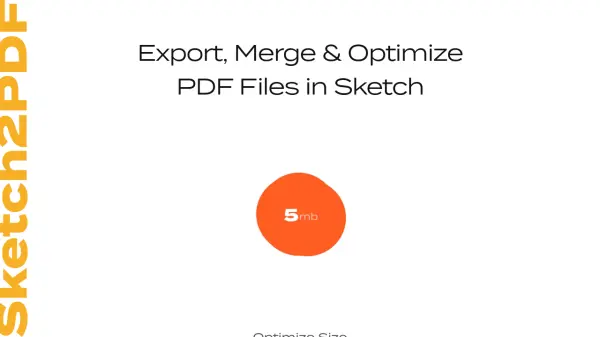
Sketch2PDF is a specialized plugin designed for Sketch users to streamline the process of handling PDF files. It enables designers to export selected artboards, merge them into a single PDF document, and optimize the file size for better performance. The plugin integrates seamlessly with Sketch, requiring minimal setup through the installation of Ghostscript via Homebrew on macOS.
By automating the export and optimization steps, Sketch2PDF reduces manual effort and ensures high-quality PDF outputs. It is compatible with Sketch 49+ and OS X El Capitan+, making it a reliable tool for modern design workflows. Users can easily disable the plugin if needed, providing flexibility in their design processes.
Features
- Export: Export selected artboards as PDF files
- Merge: Combine multiple artboards into a single PDF document
- Optimize: Compress PDF file size using Ghostscript for efficiency
Use Cases
- Exporting design artboards as PDFs for client presentations
- Merging multiple Sketch artboards into a single PDF document
- Optimizing PDF file sizes for faster sharing and storage
FAQs
-
What is Sketch2PDF?
Sketch2PDF is a plugin for Sketch that exports, merges, and optimizes PDF files from artboards. -
How do I install Sketch2PDF?
Install Sketch2PDF by downloading the plugin, installing Homebrew via Terminal, then using Homebrew to install Ghostscript, and finally enabling the plugin in Sketch. -
What are the system requirements for Sketch2PDF?
Sketch2PDF is compatible with Sketch 49+ and OS X El Capitan+. -
How does Sketch2PDF optimize PDF files?
Sketch2PDF uses Ghostscript, an external script, to compress and optimize the PDF file size during export. -
Can I disable Sketch2PDF if needed?
Yes, you can disable Sketch2PDF from the Plugins → Manage Plugins menu in Sketch.