ReddRadar

What is safari2chrome?
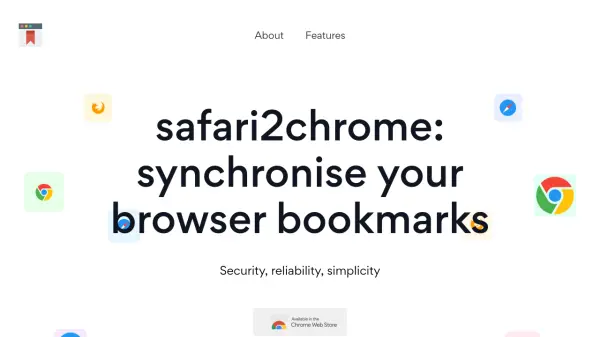
safari2chrome provides a Chrome web browser extension designed to synchronize bookmarks between Safari and Chrome browsers. It operates by connecting directly to the user's iCloud account, mirroring the same method Safari uses for bookmark management. This approach ensures that all bookmarks remain stored within the user's iCloud, maintaining data security and privacy without reliance on external servers.
The tool emphasizes security and anonymity, with no collection of personal data or storage of bookmarks on its servers. It eliminates the need for installing iTunes, offering a straightforward solution for users who require cross-browser bookmark management. The extension works alongside a synchronization companion service to facilitate direct iCloud connectivity, available for Windows, Mac, and Linux systems.
Features
- Secure Synchronization: Syncs bookmarks between Safari and Chrome using iCloud without storing data on external servers
- Privacy Protection: Guarantees complete anonymity with no collection of personal data or credentials
- Cross-Platform Compatibility: Available for Windows, Mac, and Linux systems with a synchronization companion service
- No iTunes Requirement: Eliminates the need for iTunes installation for bookmark management
- Direct iCloud Integration: Connects directly to iCloud to store and manage bookmarks securely
Use Cases
- Synchronizing bookmarks between Safari and Chrome browsers for seamless browsing
- Maintaining bookmark consistency across different browsers on multiple devices
- Securing bookmark data without relying on third-party servers for privacy-conscious users
- Simplifying cross-browser bookmark management without additional software like iTunes
- Ensuring bookmark accessibility and organization in iCloud for users switching between Safari and Chrome
Related Queries
Helpful for people in the following professions
safari2chrome Uptime Monitor
Average Uptime
0%
Average Response Time
0 ms