ReddRadar

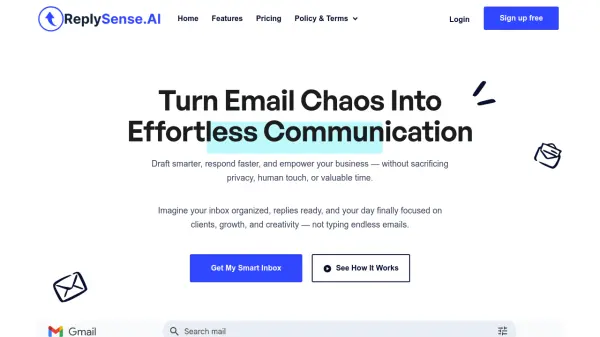
What is ReplySense.Ai?
ReplySense.Ai is a privacy-first AI email assistant that transforms email management by automatically drafting intelligent, context-aware replies directly within Gmail. The tool connects securely to your private OpenAI API key, ensuring your email content and business data remain completely under your control without any storage or sharing of sensitive information.
Users can customize reply tone and style, upload Business Context files containing FAQs and company information for more accurate drafts, and filter out low-priority emails from specific Gmail categories or labels. All AI-generated replies are saved as drafts under a dedicated Gmail label, allowing for manual review and sending to maintain human touch and personalization in business communication.
Features
- AI-Powered Email Drafting: Automatically generates personalized email replies using your OpenAI key and business context
- Privacy-First Automation: Never stores or shares email content - all processing happens securely with your private API key
- Full Control Over Replies: Saves all drafts for manual review and sending under 'AI Generated Replies' Gmail label
- Customizable Settings: Set reply tone and style, upload Business Context files with FAQs and company information
- Email Filtering: Skip specific Gmail categories, labels, or email addresses to focus on important conversations
Use Cases
- Automating email response drafting for busy professionals and teams
- Managing high-volume client communication while maintaining personalization
- Freeing up time for virtual assistants to focus on high-value tasks
- Achieving inbox zero faster by reducing manual email drafting time
- Scaling business communication without sacrificing quality or human touch
FAQs
-
How does ReplySense.Ai ensure email privacy and security?
ReplySense.Ai uses a privacy-first approach where users connect their own private OpenAI API key. The tool never stores, reads, or shares email content, and Business Context documents are fetched temporarily at runtime then immediately discarded. -
What happens to the AI-generated email drafts?
All AI-generated replies are saved as drafts under the 'AI Generated Replies' label in Gmail. Users must manually review, personalize, and send each draft, maintaining full control over communication. -
Can I customize how the AI drafts my emails?
Yes, users can set their preferred reply tone (friendly, professional, or direct) and upload optional Business Context files containing FAQs, services, and company information to make drafts more accurate and aligned with their business. -
What email types can I filter out from AI drafting?
Users can skip specific Gmail categories like Promotions and Social updates, custom Gmail labels, and specific email addresses to ensure AI only drafts replies for important conversations. -
Is there a free version available?
Yes, ReplySense.Ai offers a Free Plan that includes all essential drafting features. The Pro Plan adds advanced filtering options for skipping categories and specific senders.