What is QSmap?
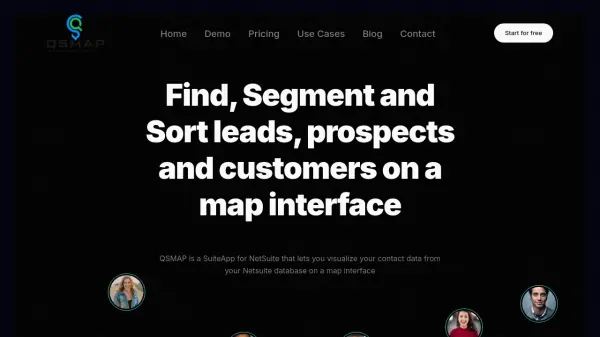
QSmap is a powerful SuiteApp for NetSuite that transforms how sales and marketing teams interact with their contact data. By visualizing customers, prospects, and leads on an intuitive map interface, users can easily find, segment, and sort their data geographically. The tool supports drawing custom regions, creating optimized routes, and exporting segmented lists, all without leaving the familiar NetSuite environment.
With features like saved searches integration, employee location tracking, and sales territory management, QSmap enhances sales rep productivity and marketing efficiency. It uses multiple geocoding services for accurate address mapping and offers a 30-day free trial to get started.
Features
- Global Map Search: Search and view all your contacts on a world map with entity-specific markers.
- Draw On Map: Define custom sales territories or targeted areas by drawing shapes directly on the map.
- Route Planning: Generate optimized routes for field visits based on selected contacts and desired start/end points.
- Export Segmented Lists: Export filtered contact lists to Excel/CSV or email them for further use.
- Saved Searches Integration: Use existing NetSuite saved searches as filters to visualize data on the map.
Use Cases
- Sales territory planning and management
- Customer segmentation for targeted marketing campaigns
- Field sales route optimization and scheduling
- Event planning and lead identification near a venue
- Visualizing and analyzing saved search results geographically
FAQs
-
Is there a free trial?
Yes, there is a 30-day free trial. During the trial, up to 1000 entities will be geocoded. -
What is the setup process like?
Setup is as simple as installing the SuiteApp. After installation, geocoding starts at midnight the next day. -
Does QSmap use Google's geocoding service?
QSmap uses three different geocoding services to provide accurate results, not Google's, because Google's license does not allow storing results beyond 30 days. -
How are bad addresses handled?
Geocoding accuracy depends on the address quality. Bad addresses may not be accurately placed, but QSmap allows visual identification of such addresses. -
How is support handled?
Support is provided quickly, usually within a couple of hours, via contact form or phone.
Helpful for people in the following professions
QSmap Uptime Monitor
Average Uptime
100%
Average Response Time
2586 ms