What is Productivity Timer?
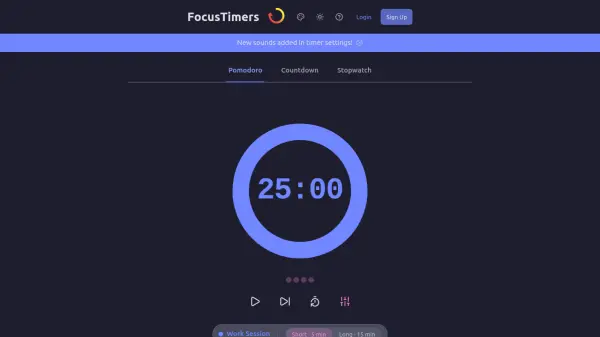
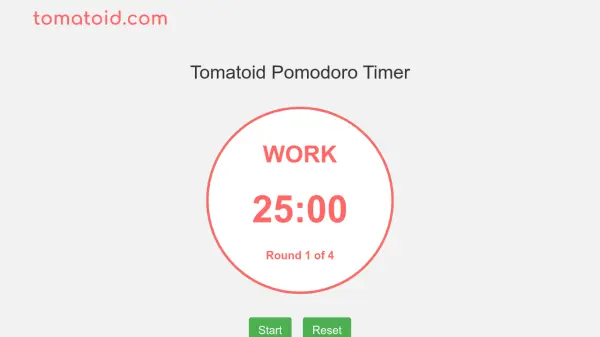
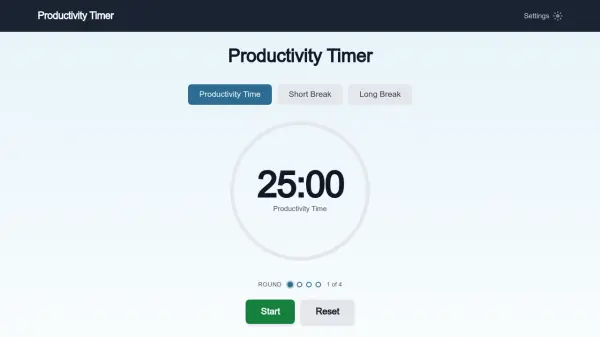
Productivity Timer is a free online tool designed to help you maintain consistent productivity throughout the day. Based on the Pomodoro Technique, it breaks your work into focused intervals—typically 25 minutes of productivity time followed by short breaks—and longer breaks after every four cycles. You can fully customize the duration of each timer to match your personal concentration span and work style. The tool includes features such as multiple alarm sounds, volume control, auto-cycle mode, and session tracking, all without requiring any sign-up or payment. By creating distraction-free work periods and regular rest, it helps reduce procrastination and prevent burnout, making it ideal for anyone looking to get more done, from writers and developers to students and professionals.
Features
- Customizable Timer Durations: Adjust productivity time, short break, and long break lengths to any minutes and seconds.
- Multiple Alarm Sounds: Choose from game sound, door bell, ding, alarm ring, censor beep, piano loop, acoustic arpeggio, two bells, notification, and success.
- Volume Control: Mute or set volume to 25%, 50%, 75%, or 100%.
- Auto-Cycle Mode: Automatically start the next timer when one finishes.
- Session Tracking: View timer history including count and total time for each timer type.
- Keyboard Shortcuts: Quickly control the timer with SPACE (start/stop), ALT+P (productivity), ALT+S (short break), ALT+L (long break), ALT+R (reset), ALT+C (toggle auto-cycle).
- Share Results: Post your completed focus sessions to social media or copy to clipboard.
Use Cases
- Studying for exams with focused intervals and breaks
- Writing articles or books without distractions
- Coding and software development sprints
- Completing administrative tasks in a structured manner
- Managing daily to-do lists with time-boxed sessions
- Reducing procrastination and improving time management
FAQs
-
What is the Pomodoro Technique?
The Pomodoro Technique is a time management method where you work in focused 25-minute intervals (called Pomodoros) followed by 5-minute breaks. After completing four Pomodoros, you take a longer 15-30 minute break. It was developed by Francesco Cirillo in the late 1980s. -
How long is a Pomodoro session?
A standard Pomodoro session is 25 minutes of focused work followed by a 5-minute short break. After four Pomodoros (about 2 hours), you take a longer break of 15-30 minutes. You can adjust these times to suit your needs using Productivity Timer's settings. -
Why does the Pomodoro Technique work?
The Pomodoro Technique works because it breaks work into manageable chunks that match your brain's natural attention span. The time constraint creates urgency that fights procrastination, while regular breaks prevent mental fatigue. It also gives you a clear structure that reduces decision fatigue about when to work and when to rest. -
Is Productivity Timer free to use?
Yes, Productivity Timer is completely free. There are no sign-ups, subscriptions, or hidden costs. You can use all features including customizable timer durations, multiple alarm sounds, volume control, keyboard shortcuts, and session tracking without creating an account. -
Can I change the timer durations?
Yes. Click the Settings icon in the top-right corner to customize your Productivity Time, Short Break, and Long Break durations. You can set any combination of minutes and seconds that works best for your focus style and the type of work you're doing.
Related Queries
Helpful for people in the following professions
Productivity Timer Uptime Monitor
Average Uptime
0%
Average Response Time
0 ms