ReddRadar

What is Pixen?
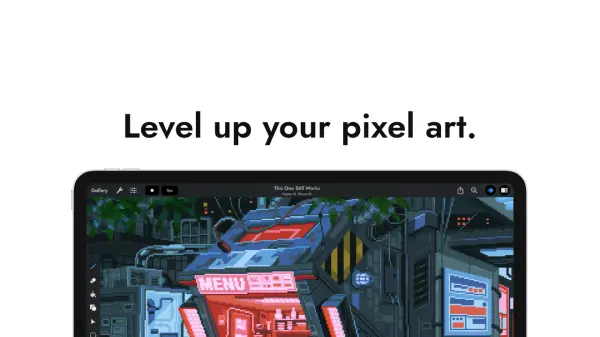
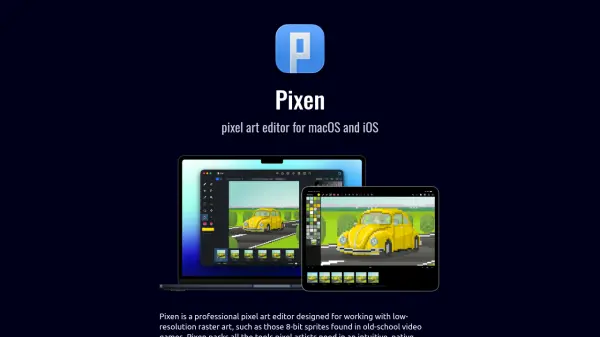
Pixen provides a comprehensive pixel art editing environment tailored for low-resolution raster art, such as 8-bit sprites commonly used in retro video games. It offers an intuitive native interface with essential tools for pixel artists, including high zoom levels, animation editing capabilities, and color palette management.
The macOS version integrates seamlessly with Mac technologies like full screen workspaces, document tabs, Dark Mode, Quick Look, Versions, Auto Save, and Sidecar. The iOS version syncs with macOS via iCloud and supports iPad-specific features such as Apple Pencil, Quick Look, and the Files app, ensuring a cohesive workflow across devices.
Features
- High Zoom Levels: Allows detailed editing of pixel art at high magnification
- Animation Editing: Supports creating and editing animated sprites and sequences
- Color Palettes: Provides tools for managing and using color palettes in artwork
- Native Interface: Offers an intuitive, platform-specific interface for macOS and iOS
- iCloud Sync: Enables seamless synchronization of projects between macOS and iOS devices
Use Cases
- Creating 8-bit sprites for retro-style video games
- Designing pixel art for indie game development
- Producing animated pixel art sequences for digital media
- Editing low-resolution raster graphics for web or mobile apps