What is photoeditorai.io?
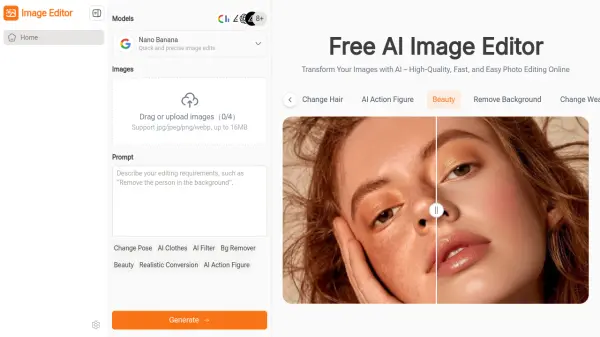
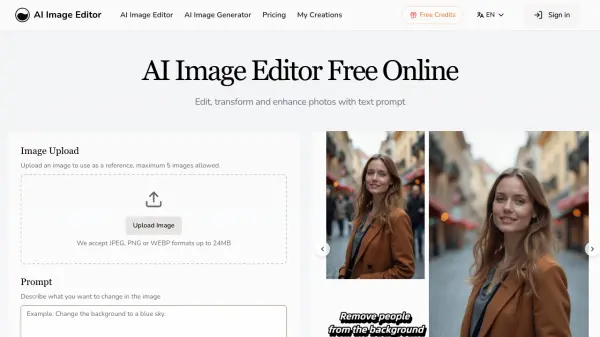
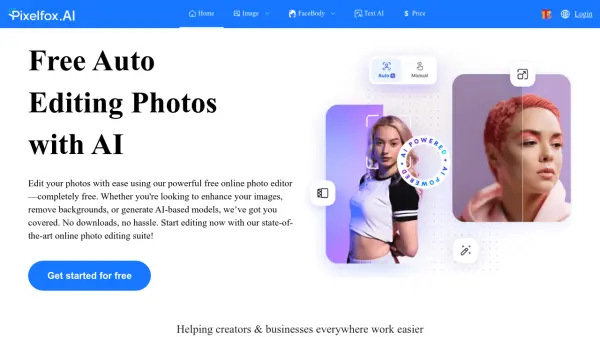
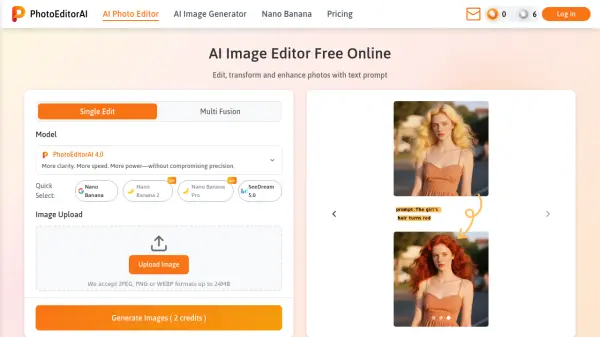
PhotoEditorAI is a powerful, free online AI photo editor that enables users to edit, transform, and enhance images using simple text prompts. The platform offers multiple specialized AI models—including PhotoEditorAI 3.0, SeeDream 4.0, and Nano Banana—each tailored for different editing needs such as background replacement, object removal, style transfer, and face retouching. Users can upload images in JPEG, PNG, or WEBP formats up to 24MB, describe desired changes via text, and receive high-quality results in seconds.
With features like pixel-level precision editing, seamless text integration, and consistent character rendering, PhotoEditorAI serves a wide range of users—from e-commerce sellers and social media creators to marketing professionals and personal photographers. The tool operates entirely in the browser without requiring registration, making professional-grade editing accessible to everyone.
Features
- Multi-Model Support: Choose from various AI models including PhotoEditorAI 3.0, SeeDream 4.0, Nano Banana, and more for specialized editing tasks.
- Text-Prompt Editing: Edit images by describing desired changes in natural language, like 'remove background' or 'change hair color'.
- Background Removal & Replacement: Easily remove or replace photo backgrounds for e-commerce, portraits, or creative projects.
- Object Removal: Erase unwanted objects from images with precision using AI-powered object removal.
- Style Transfer: Apply artistic styles from reference images while preserving key details.
- Character Consistency: Maintain facial features, proportions, and styles across different poses, outfits, or backgrounds for storytelling and branding.
- High-Resolution Output: Download edited images in high resolution, up to 4K, for professional use.
- Seamless Text Integration: Naturally blend text, captions, or watermarks into images with automatic lighting and perspective adjustments.
Use Cases
- E-commerce product photography: Remove cluttered backgrounds, enhance color accuracy, and create visually consistent product listings for platforms like Amazon, Shopify, and Etsy.
- Social media content creation: Apply artistic style transfers and advanced background edits to create viral, scroll-stopping visuals for Instagram, TikTok, and YouTube.
- Marketing campaign visuals: Generate high-impact ad creatives, banners, and campaign visuals instantly for professional marketing teams.
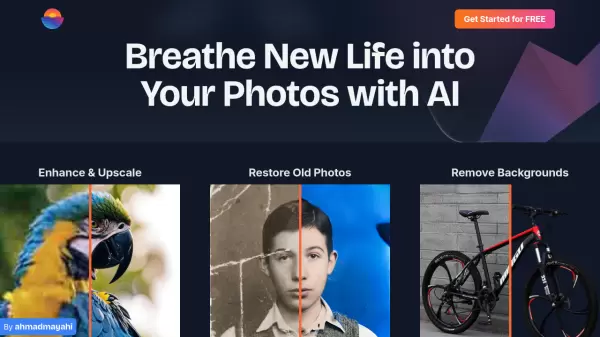
- Personal photography: Retouch portraits, restore old photos, fix lighting, remove blemishes, and enhance travel photos for personal albums or social sharing.
- Branding and storytelling: Ensure visual continuity across different poses, outfits, or backgrounds for consistent character branding and creative projects.
- Graphic design: Use style transfer and text integration to create unique designs and compositions.
FAQs
-
What is an AI photo editor?
Our AI photo editor online free tool uses advanced artificial intelligence to make photo editing effortless. You can perform background removal, image upscaling, object removal, or face retouching with just a text prompt in our best AI photo editor. -
Is there a free AI photo editor?
Yes. Our free AI photo editor online lets you use all functions instantly in your browser—no login or registration required. You can edit photos for free online. -
What is the best AI photo editor?
Our editor is the best AI photo editor—easy to use, browser-based, and powered by multiple AI models for editing, enhancement, and style transfer. -
Do I need to sign up for this free AI image editor online?
No, you can use our free AI image editor online without registration. It is designed to be a fast, accessible AI image editor free for everyone. -
What file formats does the AI photo editor free support?
Our AI photo editor free supports PNG, JPG, JPEG, and WEBP, making it compatible with most professional and personal workflows.