ReddRadar

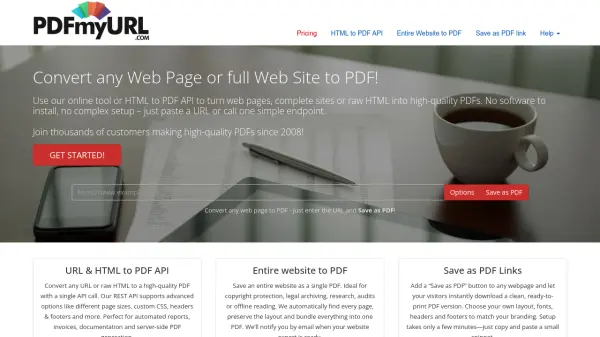
What is PDFmyURL?
PDFmyURL provides a reliable and feature-rich service for converting web pages, complete websites, or raw HTML code into polished PDF documents. Since 2008, thousands of customers have used it to generate PDFs for reports, invoices, documentation, and archiving. The tool supports a wide array of customizable settings including page size, orientation, margins, headers and footers, watermarks, encryption, and more. It handles modern web technologies like HTML5, CSS3, JavaScript, and responsive frameworks such as Bootstrap. PDFmyURL offers a REST API for seamless server-side integration, a batch converter for multiple URLs, and a 'Save as PDF' link that can be easily added to any website. With flexible pricing plans starting at $20 per month for 500 PDFs and options for enterprise licensing, it accommodates individual users and large organizations alike.
Features
- HTML to PDF API: Convert URLs or raw HTML to PDF with a single REST API call.
- Entire Website to PDF: Save a complete website as a single PDF with automatic page discovery.
- Save as PDF Link: Add a button to any webpage for instant PDF download.
- Batch URL to PDF: Convert multiple URLs in one go via API or uploaded list.
- Advanced Settings: Customize page size, orientation, margins, headers, footers, watermarks, and CSS.
- Security: Encrypt PDFs with passwords and set permissions for printing and copying.
- Authentication Support: Convert pages behind login forms or basic access authentication.
- High Uptime & Scalability: 99.99% uptime, processing millions of PDFs monthly.
Use Cases
- Generate PDF invoices and receipts from web applications.
- Create downloadable reports and documentation from online content.
- Archive entire websites for legal compliance or offline reference.
- Provide 'Save as PDF' functionality for blog posts or articles.
- Convert web pages to PDF for email attachments or publishing.
- Automate PDF generation for data-driven dashboards and analytics.
FAQs
-
Can I pay yearly?
Yes, PDFmyURL accepts yearly payments and wire transfers. Please contact their support via email for more details. -
Do you offer a free trial?
Yes, you can request a free trial that provides immediate access to all features of the service. -
How can I cancel my subscription?
You can cancel your subscription through the members area or by sending an email to support. -
On how many sites can I put the 'save as PDF' link?
You can set up to three domains in your members area, and the link will work on all subdomains under each domain.