ReddRadar
What is PDF to Handwritten?
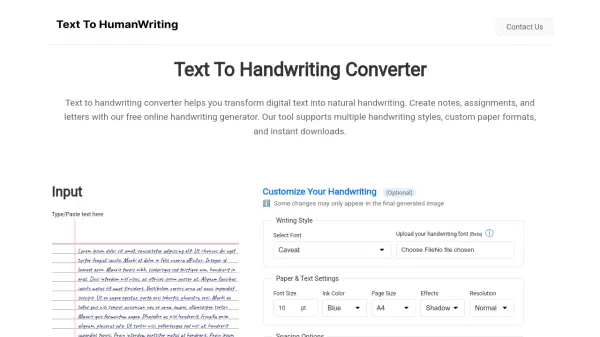
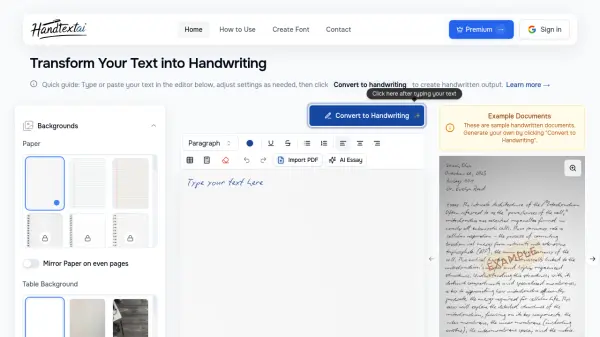
PDF to Handwritten is an online tool that transforms text-based PDF documents into handwritten-style notes. Users can select from over 10 handwriting fonts, adjust font size, choose ink color, and pick from various page layouts including ruled, grid, dotted, blank, or custom background. The tool provides real-time preview and is completely free to use. It is ideal for students, creatives, and anyone looking to give digital notes a personal touch. Currently, only text-based PDFs are supported; scanned PDFs are not yet converted, but OCR support is planned.
Features
- Multiple Handwriting Fonts: Choose from 10+ handwriting fonts like Dancing Script, Caveat, and Pacifico.
- Customizable Options: Adjust font size, ink color, and page layout (ruled, grid, dotted, blank, or custom background).
- Real-time Preview: See changes instantly before converting.
- Free to Use: No cost for converting PDFs to handwritten notes.
- PDF to Handwritten: Upload a text-based PDF and convert it to handwritten style.
Use Cases
- Students converting typed notes into handwritten assignments.
- Creatives adding a personal touch to digital documents.
- Teachers preparing handwritten-style worksheets or handouts.
- Anyone wanting to simulate handwritten notes from typed text.
FAQs
-
Can I convert scanned PDFs to handwriting?
No, currently the tool only works with text-based PDFs. OCR support is coming soon. -
Is the tool free to use?
Yes! You can convert PDFs to handwriting absolutely free. -
Can I choose ink colors and fonts?
Yes, you can customize font style, ink color, and page layout before converting.
Related Queries
Helpful for people in the following professions
PDF to Handwritten Uptime Monitor
Average Uptime
0%
Average Response Time
0 ms