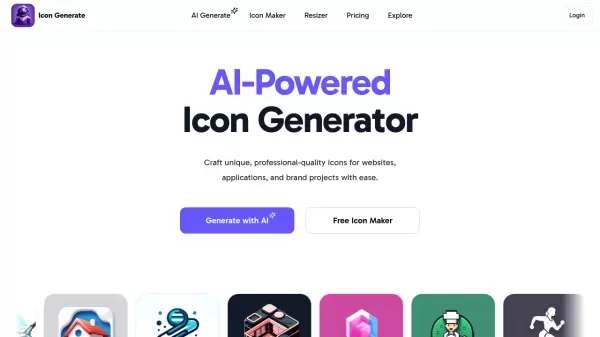

What is Norde Source?
Norde Source is an AI-powered SVG icon manager and editor designed to streamline the customization of entire icon sets to align with brand identity. It offers a user-friendly platform for modifying colors, resizing icons, and exporting them in various formats, making it an essential tool for professionals working with icons.
The tool includes a built-in store with over 10,770 free icons, drag-and-drop functionality, and search capabilities to enhance productivity. Available for Mac, Windows, and Linux, Norde Source supports multi-color editing by detecting and allowing bulk color changes across icon sets, along with features like dark mode and iconfont generation in its Pro version.
Features
- Multi-color Editing: Detects and changes colors across entire icon sets with one adjustment
- Resize on the Fly: Adjusts the size of all icons simultaneously for quick exports
- Search: Finds icons quickly using a search bar across different sets
- Drag & Drop: Allows icons to be dragged directly into design tools or folders
- Export: Exports icons to multiple formats including SVG, PNG, JPG, WebP, and Vue.js
- Built-in Store: Provides access to over 10,770 free icons for easy download
- Dark Mode: Offers a dark interface option for better visibility during work
- Iconfont Generation: Creates iconfonts from icons in the user's library
Use Cases
- Customizing icon sets to match brand colors and styles
- Resizing icons for different design projects or platforms
- Exporting icons in various formats for web or app development
- Managing and organizing large icon libraries with search and drag-and-drop
- Creating iconfonts for typography and design consistency
FAQs
-
What formats can I export icons to with Norde Source?
Icons can be exported to SVG, PNG, JPG, WebP, and Vue.js, with React component support coming soon. -
Is Norde Source available for different operating systems?
Yes, it is available for Mac, Windows, and Linux. -
How many free icons are available in the built-in store?
The built-in store offers over 10,770 free icons for users to download and use. -
What are the key features of the Pro version?
Pro features include dark mode, icon background color changes, iconfont generation, reset colors to original, and early access to new features.
Related Queries
Helpful for people in the following professions
Norde Source Uptime Monitor
Average Uptime
0%
Average Response Time
0 ms