ReddRadar

What is JSON Merge?
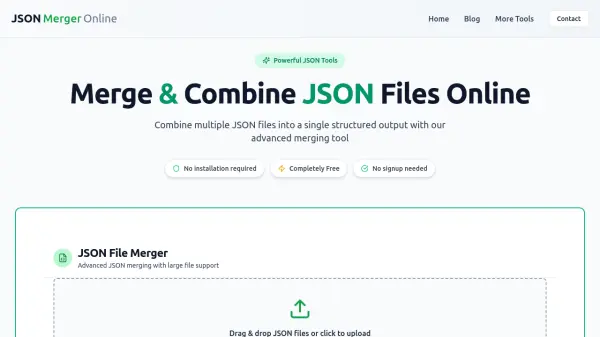
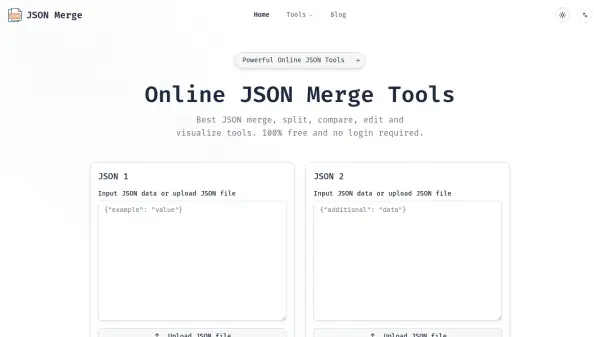
JSON Merge offers a suite of online tools designed to streamline JSON workflows for developers, data analysts, and IT professionals. The platform enables users to merge multiple JSON files with precision, handling nested structures, arrays, and complex objects while preserving data integrity. It provides customizable conflict resolution algorithms and visual comparison tools for side-by-side JSON analysis.
The service operates with client-side processing to ensure data security, as JSON data never leaves the user's browser during processing. All tools are accessible without login requirements, making it convenient for immediate use. The platform includes additional utilities such as JSON validation, beautification, formatting, and minification to support comprehensive JSON manipulation needs.
Features
- Smart Merging: Handles nested structures, arrays, and complex objects with precision while preserving data integrity
- Visual Comparison: Provides side-by-side visual diff tool for comparing JSON files
- Customizable Conflict Resolution: Offers multiple algorithms to suit different merging needs
- Client-Side Processing: Your data never leaves your browser when using client-side features for enhanced security
- No Login Required: Access all tools immediately without account creation or login
Use Cases
- Merging configuration files from different development environments
- Comparing API response data between different versions
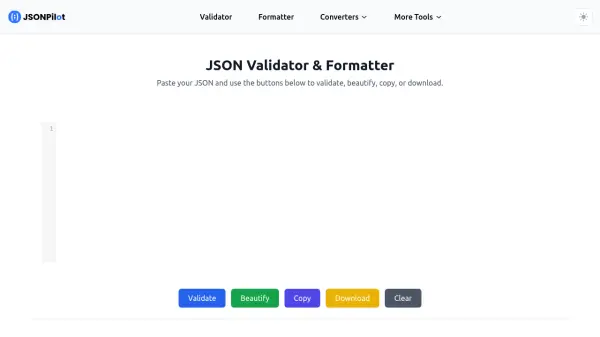
- Validating JSON schemas for data integrity checks
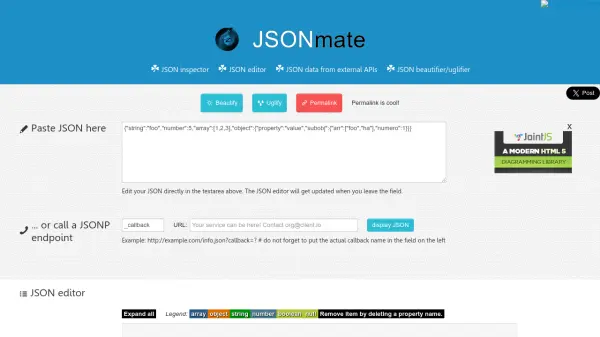
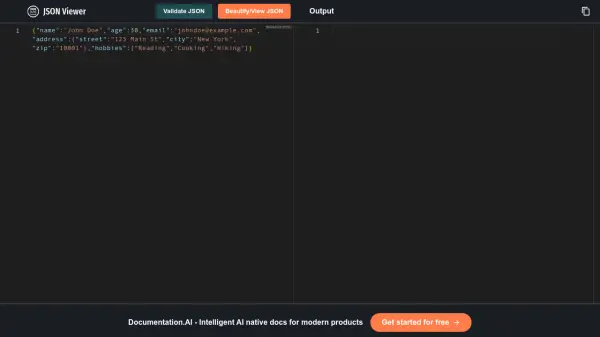
- Formatting and beautifying JSON for better readability
- Preparing JSON data for database migration or integration
FAQs
-
What types of JSON structures can the tool handle?
The tool can handle nested structures, arrays, and complex objects with precision while preserving data integrity during merging operations. -
How does the visual comparison feature work?
The visual diff tool displays JSON files side-by-side with intuitive highlighting to show differences between the files for easy comparison. -
What happens to my data after processing?
When using client-side processing features, your data never leaves your browser. For server-side operations, secure encrypted connections are used and data is never stored after processing. -
Are there any file size limitations?
The service is optimized to handle large JSON files efficiently with minimal impact on performance, though specific size limits may vary by plan. -
What additional JSON tools are available beyond merging?
The platform includes JSON compare, validate, beautify, format, minify, compact, and flatten tools to support comprehensive JSON workflow needs.
Related Queries
Helpful for people in the following professions
JSON Merge Uptime Monitor
Average Uptime
0%
Average Response Time
0 ms