What is heictopdftools.com?
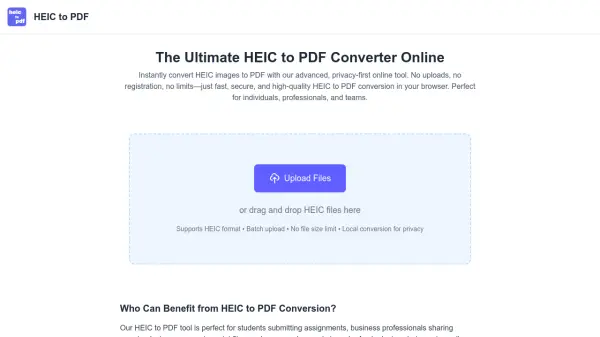
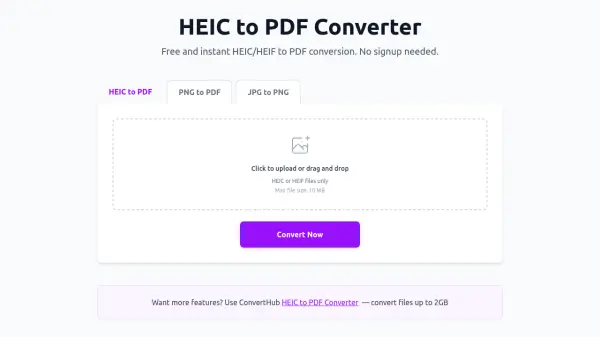
HEIC TO PDF is an advanced online conversion tool designed to transform HEIC, HEIF, and multiple other image formats into PDF documents. The platform operates entirely within the user's browser, ensuring that all file processing occurs locally without uploading data to external servers. This approach guarantees privacy and security while delivering fast conversion results.
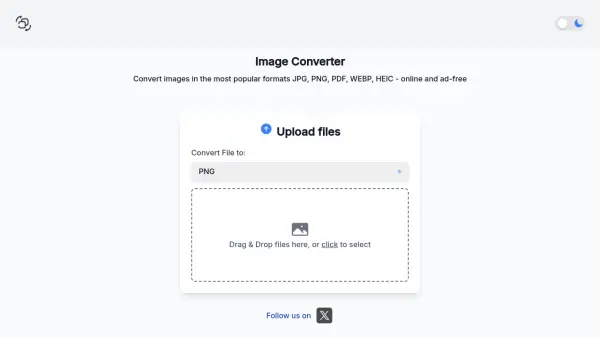
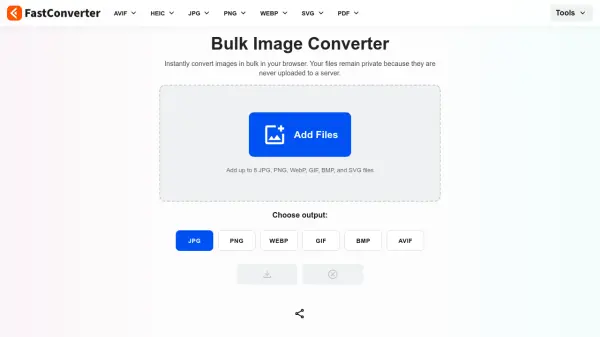
The tool supports a wide range of image formats including JPG, PNG, WebP, GIF, BMP, SVG, TIFF, and ICO, allowing users to convert individual files or batch process multiple images simultaneously. Users can reorder images via a drag-and-drop interface before conversion, and the tool maintains original image quality throughout the process. Compatible with all modern browsers and devices, HEIC TO PDF provides a seamless experience for creating professional PDF documents from image files.
Features
- Multiple Image Formats: Supports HEIC, HEIF, JPG, PNG, WebP, GIF, BMP, SVG, TIFF, and ICO formats for conversion to PDF
- Batch Convert: Allows conversion of multiple image files to PDF simultaneously with drag-and-drop reordering capability
- Secure & Private: Processes all files locally in the browser without uploading to servers or storing user data
- No Registration Required: Users can start converting immediately without creating an account or providing personal information
- All Devices Supported: Works seamlessly on mobile, tablet, and desktop devices with all modern browsers
Use Cases
- Converting iPhone photos from HEIC format to PDF for client presentations
- Creating professional PDF portfolios from multiple image files
- Generating property portfolios by combining real estate photos into PDF documents
- Preparing educational materials by converting student artwork and project photos to PDF
- Creating product catalogs and documentation for marketing and e-commerce purposes
FAQs
-
What happens if my browser crashes during conversion?
Since all processing happens locally, your files are safe and never uploaded anywhere. If your browser crashes, simply refresh the page and start again. Your original files remain unchanged on your device.
Related Queries
Helpful for people in the following professions
heictopdftools.com Uptime Monitor
Average Uptime
100%
Average Response Time
170.14 ms