ReddRadar

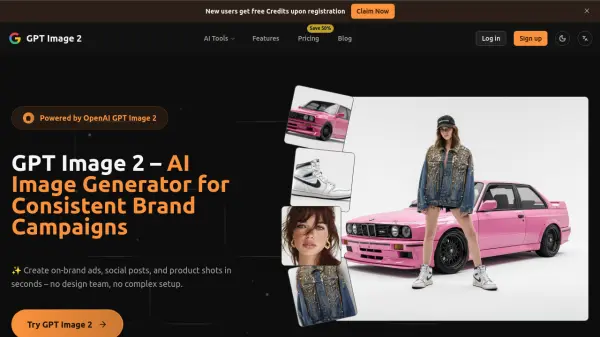
What is GPT Image 2?
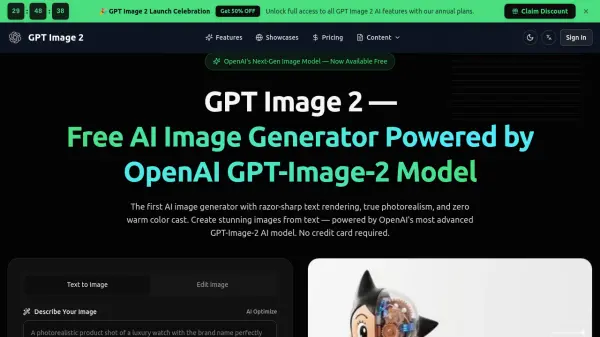
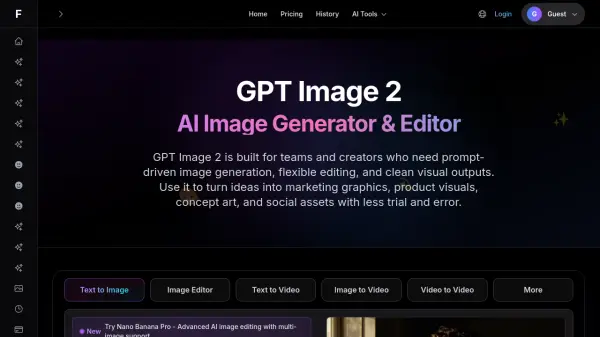
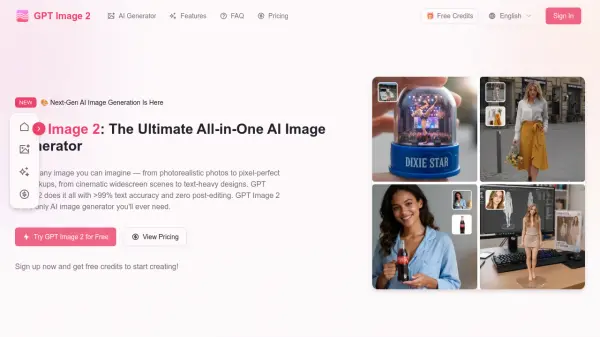
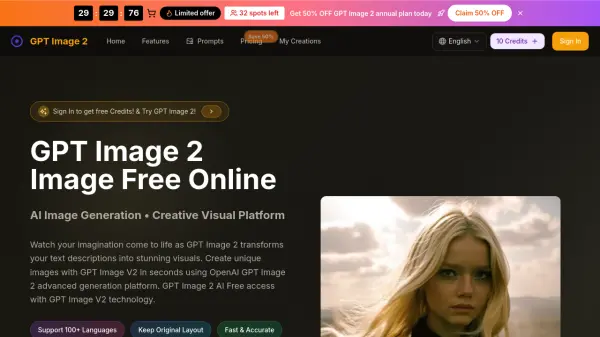
GPT Image 2 leverages advanced AI technology to generate and edit images with remarkable consistency for brand campaigns. The platform allows users to upload up to twelve reference images and describe desired changes using natural language prompts, eliminating the need for complex design software or extensive prompt engineering.
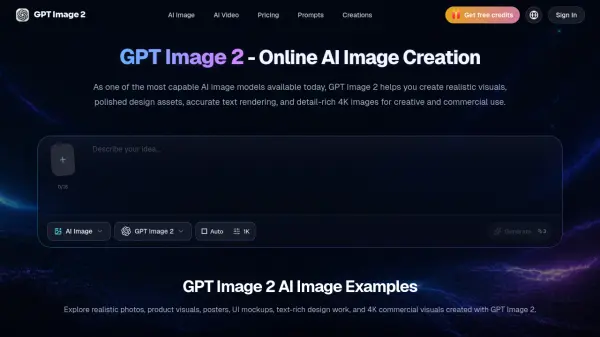
This tool specializes in maintaining character identity across multiple images, enabling features like character locking, background replacement, lighting adjustments, style conversions, and posture changes. It produces high-resolution outputs up to 4K quality, making it suitable for professional commercial use across various media formats.
Features
- Character Lock: Maintains identical faces across multiple images by blending up to ten reference shots
- Background Replacement: Changes locations using natural-language prompts while preserving depth and shadows
- Lighting Adjustment: Controls exposure, rim light, and color temperature with text commands
- Style Conversion: Switches between cinematic, editorial, anime, or product render styles while keeping subjects intact
- High-Resolution Output: Generates images at native 2K resolution with optional upscaling to 4K
Use Cases
- Creating consistent advertising campaigns with identical character appearances
- Generating product shots and e-commerce visuals without traditional photography
- Developing storyboards for video productions with sequential frames
- Producing social media content with on-brand visual consistency
- Rapid prototyping of visual concepts for marketing campaigns
FAQs
-
What resolution can GPT Image 2 generate?
GPT Image 2 generates images at a native 2K resolution by default, with optional upscaling to 4K for hero visuals and print-style assets. Ultra mode targets up to ~4 megapixels so your key visuals stay sharp on desktop, mobile, and large-format placements. -
Which model should I choose?
Use GPT Image 2 when you need production-ready assets with the best text rendering, character consistency and overall quality. Choose GPT Image 2 Dev for prompt exploration, testing layouts or non-commercial experiments. Pick GPT Image 2 Schnell when speed matters most and you just need fast drafts or multiple variations to compare. -
Can I edit or refine existing images?
Yes. You can start from any uploaded image or from a result generated with GPT Image 2. Use Fill mode for inpainting and outpainting, Depth or Canny modes when you want structure-guided edits, and Redux when you need style-preserving variations that stay close to your original layout. -
Is commercial use allowed?
Images created with GPT Image 2 on eligible plans can generally be used in commercial projects such as ads, social campaigns and product visuals, as long as you follow our Terms of Service and the underlying model provider's policies. GPT Image 2 Dev is intended for non-commercial use, such as personal projects and internal experimentation. -
How are credits used and billed?
Each generation, upscale, and advanced edit consumes credits. The exact credit cost is shown next to each mode inside the app, and you can find a full breakdown on our pricing page. You only pay for successful generations; failed jobs are automatically refunded back to your balance.