ReddRadar

What is Flux Kontext?
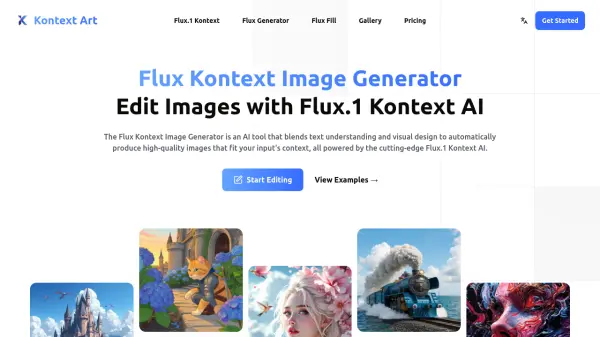
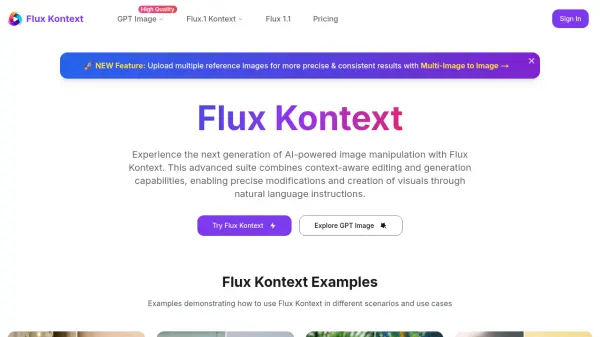
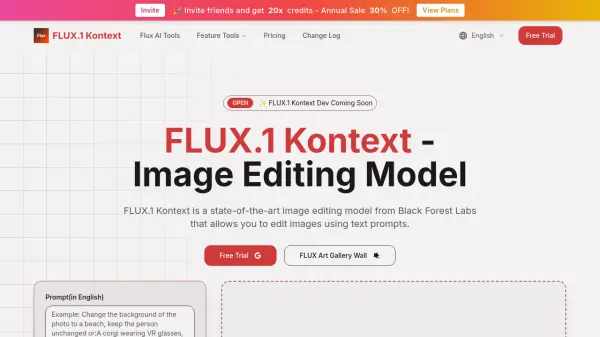
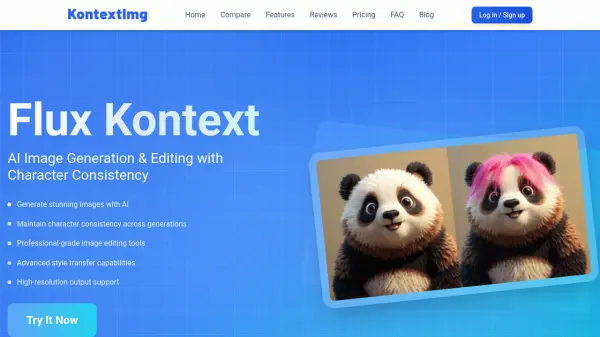
Flux Kontext empowers users to generate and edit stunning images with artificial intelligence, ensuring character consistency across multiple modifications. The platform offers a suite of professional editing tools including intelligent color modification, object addition, watermark and text removal, smart repair, and advanced style transfer. With cloud integration and enterprise-grade security, users can securely create and manage their visual projects on any device.
Enjoy lightning-fast image processing, fine-grained control over image attributes, and support for high-resolution outputs. Whether modifying existing images or transforming photographs into unique artistic styles, Flux Kontext provides the precision and flexibility required for creative professionals and businesses seeking reliable, high-quality AI image editing solutions.
Features
- Character Consistency: Maintains visual coherence of subjects across multiple edits
- AI Smart Editing: Offers intelligent, automatic, content-aware image enhancements
- Advanced Style Transfer: Transforms images into various artistic styles and effects
- Precise Control: Allows fine-tuning of image attributes with detailed parameters
- Lightning Fast Generation: Delivers high-quality images in seconds
- Professional-Grade Tools: Supports object addition, color modification, and smart repair
- High-Resolution Output: Enables export of large, clear, detailed images
- Secure Cloud Integration: Provides encrypted data storage and multi-device access
Use Cases
- Creating consistent character illustrations for comics or animation
- Quickly changing image backgrounds or removing watermarks for marketing assets
- Restoring damaged or broken elements within product photos
- Transforming images into popular artistic or branded styles for social media
- Replacing text or adding new objects to photos for advertising and design
- Enhancing image quality and making content-aware repairs for e-commerce listings
FAQs
-
What image formats does Flux Kontext support?
Flux Kontext supports PNG, JPG, JPEG, and WEBP formats, with a recommended maximum file size of 5MB for optimal results. -
How does Flux Kontext ensure high image editing quality?
By leveraging advanced AI technology, Flux Kontext delivers precise image edits while maintaining character consistency, ensuring natural and professional-quality outcomes for tasks like background removal and style transformation. -
How long does image processing take?
For a regular-sized image, processing takes approximately 5-10 seconds, depending on file size, network conditions, and edit complexity. -
How can I achieve the best image editing results?
Use high-quality input images and detailed descriptions in prompts. Selecting the right image aspect ratio also enhances final output quality.
Related Queries
Helpful for people in the following professions
Flux Kontext Uptime Monitor
Average Uptime
0%
Average Response Time
0 ms