ReddRadar

What is FixMyPDF?
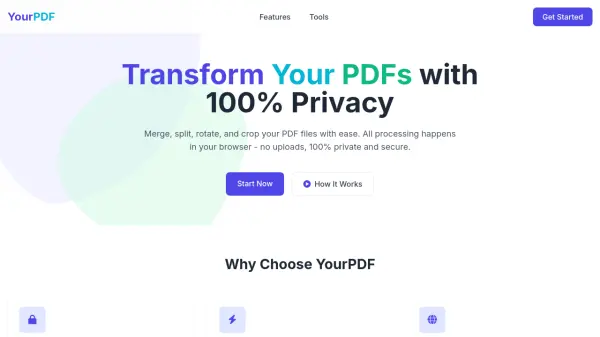
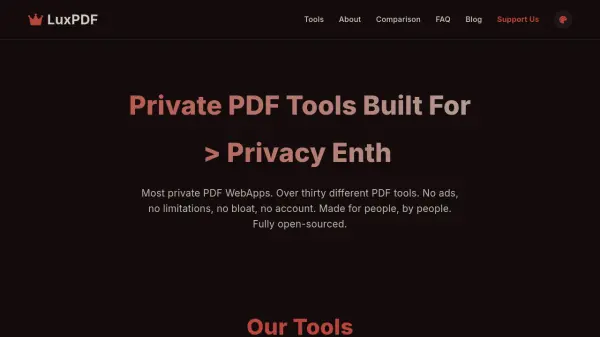
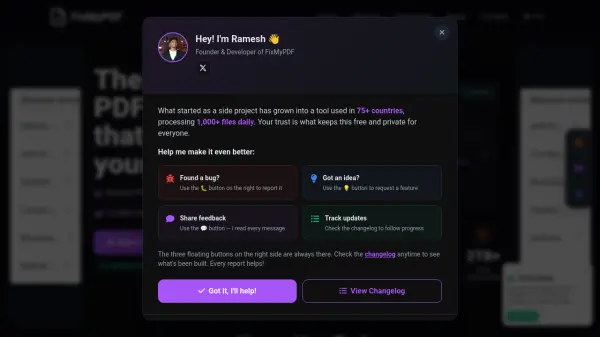
FixMyPDF provides a comprehensive suite of over 75 professional PDF tools that operate entirely within your browser. From compression and conversion to editing and security features, every action is processed locally on your device, guaranteeing that your files never leave your computer. The platform is completely free, with no file size limits, no registration required, and no hidden costs. Supporting all major file formats, FixMyPDF delivers lightning-fast, enterprise-grade results while prioritizing user privacy and security. The tools are mobile-friendly and accessible from any device with a modern web browser, making PDF management seamless and secure for everyone.
Features
- 100% Browser Processing: All file processing occurs on the user's device, ensuring no data is ever uploaded to servers.
- No File Size Limits: Users can process PDFs of any size without restrictions.
- No Registration Required: Instant access to all tools without creating an account.
- Always Free: All tools are free to use with no watermarks, hidden fees, or subscription plans.
- Lightning Fast: Real-time processing as files are not uploaded or downloaded from servers.
- Mobile Friendly: Optimized for use on desktop, tablet, and mobile devices.
- Comprehensive Toolset: Over 75 professional PDF tools covering conversion, compression, editing, security, and more.
- Supported Formats: Includes conversion from/to JPG, PNG, SVG, BMP, HEIC, WebP, TIFF, Markdown, XML, HTML, and more.
Use Cases
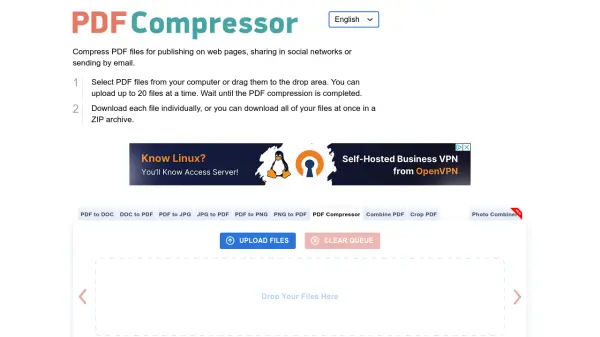
- Compress large PDF files without uploading them to a server.
- Convert JPG or other image formats to PDF for document creation.
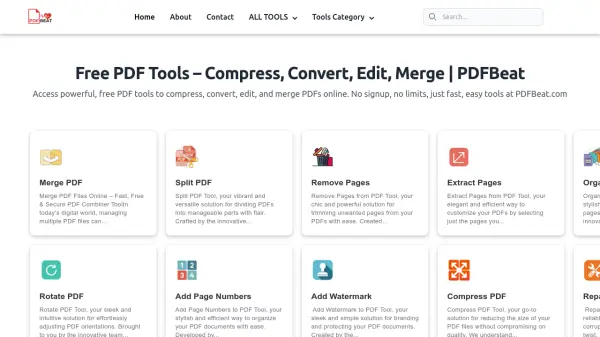
- Merge multiple PDFs into a single document for easier distribution.
- Split a PDF into individual pages or extract specific pages.
- Unlock a password-protected PDF to remove restrictions.
- Add page numbers or crop pages for professional document layout.
- Convert PDF to text or HTML for content extraction.
- Edit metadata or remove annotations for document cleanup.
- Create a booklet or N-up layout for printing.
- Reduce file size for email attachment or archival.
FAQs
-
Is FixMyPDF really free to use?
Yes, all PDF tools on FixMyPDF are completely free to use with no file size limits, watermarks, or hidden costs. No registration or subscription is required. -
Are my files safe and private?
Absolutely. All file processing happens entirely in your browser using advanced web technologies. Files never leave your device, so we never see, store, or access your documents. -
What file formats do you support?
FixMyPDF supports conversion to/from PDF for formats including JPG, PNG, SVG, BMP, HEIC, WebP, TIFF, Markdown, XML, HTML, and Text. It also handles PDF-to-image and image-to-PDF conversions. -
Is there a file size limit?
No, there is no file size limit. You can process PDFs of any size, as the processing is done locally on your device without uploading to any server. -
Do I need to create an account or register?
No registration is required. You can start using any tool immediately by simply selecting your file and processing it.
Related Queries
Helpful for people in the following professions
FixMyPDF Uptime Monitor
Average Uptime
0%
Average Response Time
0 ms