ReddRadar

What is DOSBox?
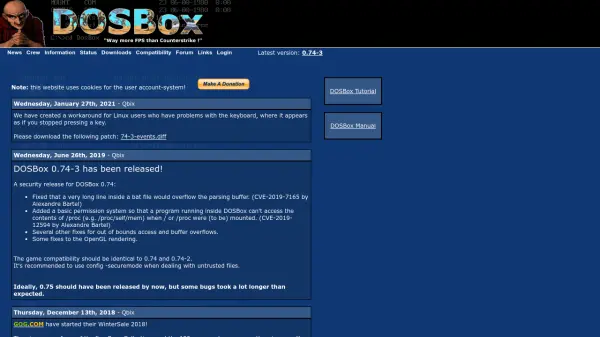
DOSBox is an open-source emulator designed to run legacy DOS-based software and games on modern operating systems. It provides a virtual environment that mimics the hardware and software of classic DOS systems, enabling users to experience and utilize older applications without the need for outdated hardware. The tool includes features such as configurable settings, support for various file formats, and security enhancements to protect against vulnerabilities like buffer overflows.
Developed by a dedicated crew, DOSBox receives regular updates and patches to improve compatibility and address issues, such as keyboard and mouse problems on Linux systems. It is widely used by gamers, developers, and enthusiasts to preserve and access historical software, with a focus on maintaining game compatibility and user security through modes like secure configuration.
Features
- Emulation: Runs DOS-based software and games on modern operating systems
- Compatibility: Maintains game and application compatibility with legacy systems
- Security: Includes patches for vulnerabilities like buffer overflows and access permissions
- Configurability: Offers configurable settings for optimized performance
- Open Source: Free and open-source with community-driven development
Use Cases
- Running classic DOS games on modern computers
- Testing and developing legacy software applications
- Preserving historical software and games for educational purposes
- Emulating DOS environments for compatibility testing
FAQs
-
What is DOSBox used for?
DOSBox is used to emulate DOS environments, allowing users to run legacy software and games on modern operating systems. -
Is DOSBox free to use?
Yes, DOSBox is an open-source tool available for free download and use. -
Does DOSBox support security features?
Yes, DOSBox includes security patches to address vulnerabilities like buffer overflows and implements permission systems for safe file access. -
Can DOSBox run on Linux systems?
Yes, DOSBox is compatible with Linux, and patches are available to resolve specific issues like keyboard and mouse problems. -
How do I configure DOSBox for optimal performance?
DOSBox offers configurable settings through its manual and tutorial resources to optimize performance based on user needs.