What is Doodle Ipsum?
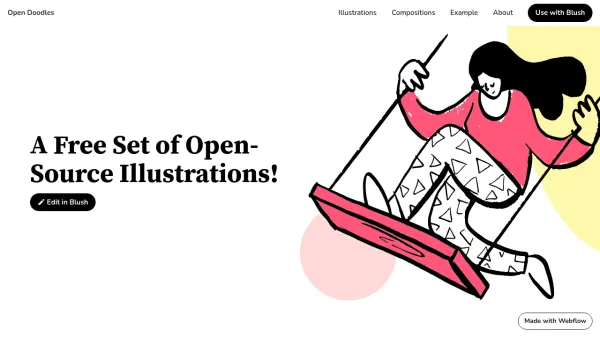
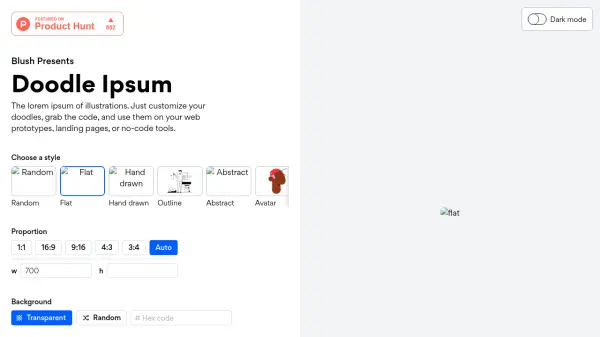
Doodle Ipsum provides placeholder illustrations that can be customized and embedded easily into projects. Users can select from various styles including flat, hand drawn, outline, abstract, and multiple avatar options. The tool allows specification of image dimensions, background colors, and shapes, generating static or random images via URLs. Advanced query parameters enable further customization like grayscale and blur effects. It is designed for web prototypes, landing pages, and no-code tools.
Features
- Multiple styles: Choose from flat, hand drawn, outline, abstract, and various avatar styles.
- Custom dimensions: Specify width and height in the URL; only one dimension is required.
- Background color: Add a background color using a hex value query parameter.
- Circle shape: Display the illustration inside a circle with the shape=circle parameter.
- Grayscale effect: Apply grayscale with the sat=-100 query parameter.
- Blur effect: Add a blur effect with the blur=[amount] parameter.
- Static and random images: Get random images on each load or static images by accessing the URL in a browser.
- Cache-busting for multiple images: Use incremental parameters to ensure unique images on the same page.
Use Cases
- Placeholder illustrations in web design prototypes.
- Decorative images for landing pages.
- Visual assets for no-code tools.
- Testing layouts with diverse illustration styles.
- Creating consistent avatar test data.
FAQs
-
How do I get a static image instead of a random one?
Visit the link in your browser. It will redirect you to a static URL that you can use. -
Can I use multiple random images on the same page?
Yes, append a cache-bust parameter (e.g., n=1, n=2) to the end of each URL to ensure they are unique. -
How do I use a specific category?
Append /[category] to the URL, e.g., https://doodleipsum.com/[width]x[height]/avatar. -
Can I change the background color?
Yes, add the bg=[hex] query parameter to set a background color. -
Is Doodle Ipsum free to use?
Yes, Doodle Ipsum is a free tool for generating placeholder illustrations.