ReddRadar

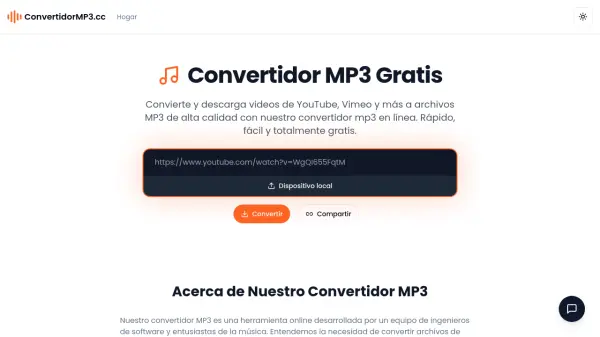
What is ConvertidorMP3.cc?
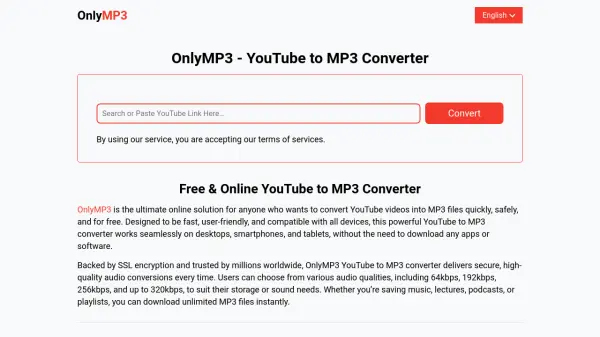
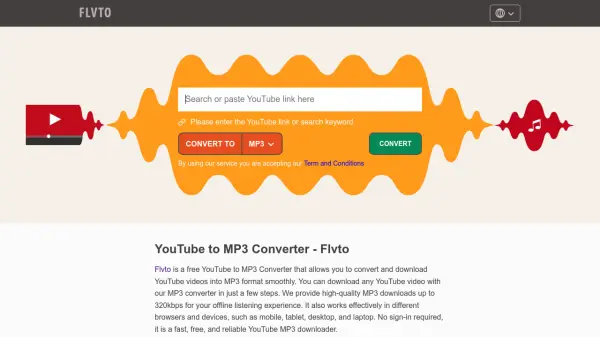
ConvertidorMP3.cc is an online audio conversion tool designed to transform video content from platforms like YouTube and Vimeo into MP3 files. The platform emphasizes speed, ease of use, and security by processing conversions directly in the user's browser without uploading files to external servers. This approach ensures data privacy while maintaining audio quality through customizable bitrate settings.
The tool supports a wide range of video formats and offers flexible output options, allowing users to balance file size and sound quality. It operates completely free of charge with no registration required, making it accessible for both casual music enthusiasts and audio editing professionals. The intuitive interface simplifies the conversion process, enabling efficient extraction of audio from videos for personal or professional use.
Features
- Conversion Speed: Converts audio files to MP3 in seconds using optimized algorithms
- Format Compatibility: Supports conversion from most common video formats including YouTube and Vimeo
- Quality Settings: Allows selection of different bitrates to balance sound quality and file size
- Data Security: Processes local files directly in the browser without uploading to servers
- User Interface: Designed to be intuitive and easy to use without audio expertise
- Cost Structure: Completely free with no registration required
Use Cases
- Creating portable audio libraries from video content
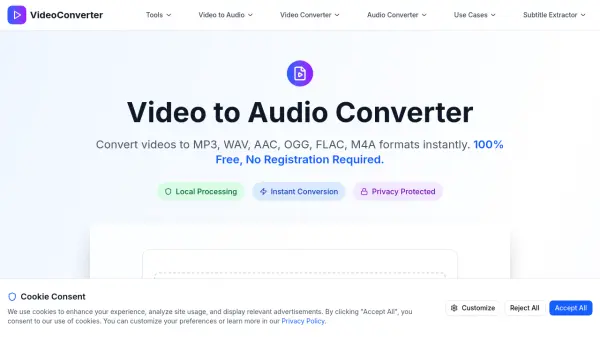
- Converting local video files to MP3 for device compatibility
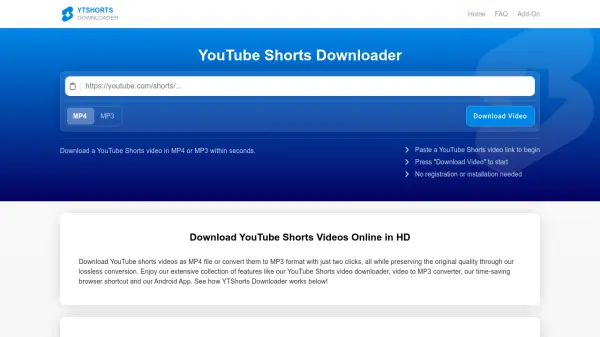
- Extracting audio from YouTube videos for offline listening
- Preparing audio files for professional editing and distribution
- Reducing file sizes for easier transfer and storage
FAQs
-
Is it safe to use this MP3 converter?
Yes, it processes files directly in your browser without uploading to servers, ensuring data security. -
What video formats can I convert to MP3?
It supports most common video formats, including those from YouTube and Vimeo. -
How do I choose the output quality for MP3 files?
You can select different bitrates during conversion to balance sound quality and file size. -
How long does it take to convert a video to MP3?
Conversion typically takes seconds due to optimized algorithms. -
Do I need to register to use the converter?
No, it is completely free and requires no registration.