ReddRadar


What is ClipCast?
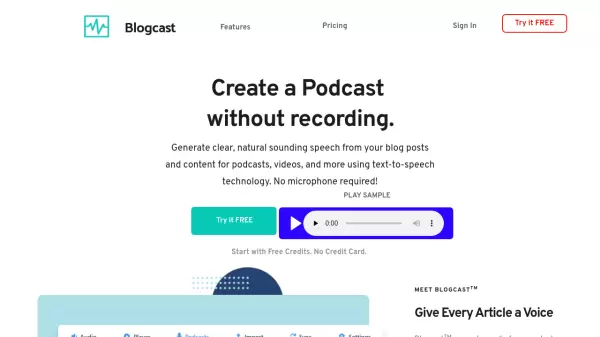
ClipCast is an innovative AI tool designed to transform written web content into audio podcasts. By leveraging advanced natural language text-to-speech technology, it processes links to articles, blog posts, wiki entries, and other text-based web pages, converting them into high-quality audio files. The tool strips away ads, menus, and comments to deliver clean, focused content that users can listen to directly in their preferred podcast applications.
With customizable voice options including male, female, and accented voices, ClipCast offers flexibility and personalization. It supports multiple input methods such as a Chrome extension, email submissions, or direct link entry, ensuring content is processed quickly and privately. The generated episodes are available in a private podcast feed within minutes, compatible with major apps like Apple Podcasts, Overcast, and Pocket Casts.
Features
- Simple To Use: Just sign up, subscribe to your podcast feed, and start sending content
- Natural Voice: Uses the latest AI Text-to-Speech technology for audible content
- Customizable: Offers selection of male, female and accented voices
- Flexible: Supports input via Chrome extension, email, or direct link entry
- Fast: Content is available in your podcast feed within minutes
- Private: Content is available in your own, private podcast feed
- Compatible: Works with all major podcast apps like Apple Podcasts and Overcast
Use Cases
- Converting news articles into audio for listening on the go
- Turning blog posts into podcast episodes for multitasking
- Listening to wiki articles during commutes
- Audio versions of Hackernews articles for tech enthusiasts
- Converting documents and research papers into audible format
- Making any text on a web page accessible through audio
FAQs
-
What types of web content can ClipCast convert into podcasts?
ClipCast can convert various web content including news articles, blog posts, wiki articles, Hackernews articles, documents, research papers, and any text on a web page. -
How long does it take for content to appear in my podcast feed after sending it to ClipCast?
Content sent to ClipCast is available in your podcast feed within minutes. -
Which podcast apps are compatible with ClipCast?
ClipCast works with all major podcast apps such as Apple Podcasts, Overcast, Pocket Casts, and many more. -
What voice options are available in ClipCast?
ClipCast offers customizable voice options including male, female, and accented natural language AI voices. -
How can I send content to ClipCast for conversion?
You can send content to ClipCast using a Chrome extension, by sending an email, or by entering the link directly into a form on the platform.