ReddRadar

What is ChatPhotoFix?
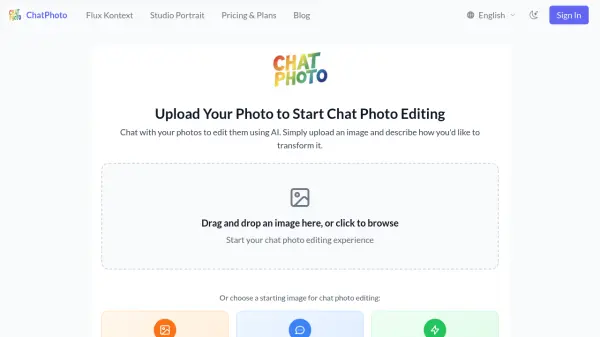
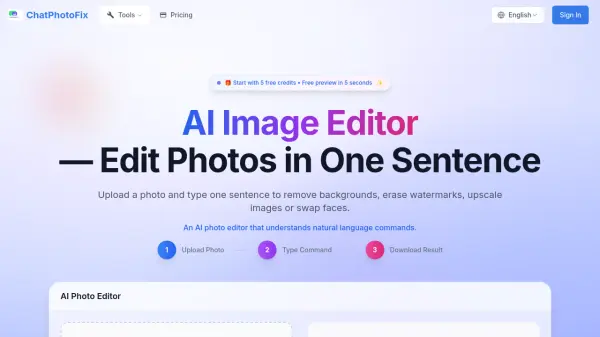
ChatPhotoFix is an advanced AI photo editing platform that enables users to edit images through simple natural language commands. Users can upload a photo and type a sentence to perform various editing tasks such as removing backgrounds, erasing watermarks, upscaling images, or swapping faces. The tool leverages artificial intelligence to deliver professional-quality results quickly and efficiently, making it accessible for both casual users and professionals.
The platform supports multiple image formats including JPG, PNG, and WebP, with a maximum file size of 10MB. It offers a range of AI-powered features like background removal with high accuracy, magic eraser for unwanted objects, blur removal, image sharpening, and adding shadow or reflection effects. With a user-friendly interface and fast processing, ChatPhotoFix simplifies complex photo editing tasks without requiring technical expertise.
Features
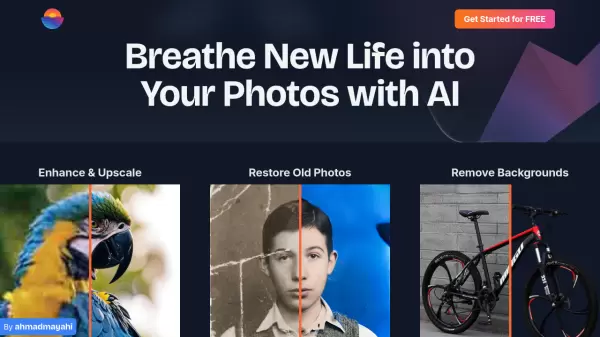
- Background Removal: AI instantly removes backgrounds with 99% accuracy, perfect for product photos and portraits
- Magic Eraser: Remove unwanted objects, watermarks, and distractions with content-aware fill
- Blur Removal: AI fixes motion blur, camera shake, and focus issues to restore sharp details
- Face Swapping: Swap faces in photos for creative projects and brand campaigns
- Image Upscaling: Enhance image resolution and clarity for professional use
- Shadow & Reflection Effects: Add professional shadows and reflections to product photos with adjustable controls
Use Cases
- Removing backgrounds from product photos for eCommerce listings
- Fixing blurry images from photography sessions
- Erasing watermarks or unwanted objects from photos
- Swapping faces in images for social media or marketing campaigns
- Enhancing image quality for professional portfolios
- Adding shadows and reflections to product images for better presentation
FAQs
-
How does AI blur removal work?
The AI uses deconvolution algorithms to analyze and fix blurry photos, handling issues like motion blur and camera shake. -
What image formats do you support?
The tool supports JPG, PNG, and WebP formats with a maximum file size of 10MB. -
How accurate is the background removal?
Background removal is 99% accurate, making it suitable for professional use in eCommerce and portraits. -
Can I use edited images commercially?
Yes, commercial usage rights are included with the Monthly Plan and Enterprise plans. -
How do credits work?
Credits are used per image edit; users start with 5 free credits and can purchase more through plans.
Related Queries
Helpful for people in the following professions
ChatPhotoFix Uptime Monitor
Average Uptime
0%
Average Response Time
0 ms