What is AI Transcription?
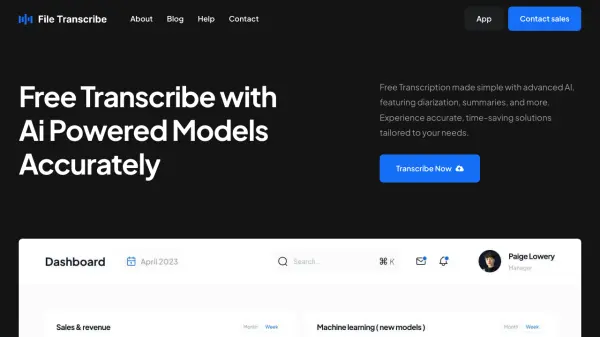
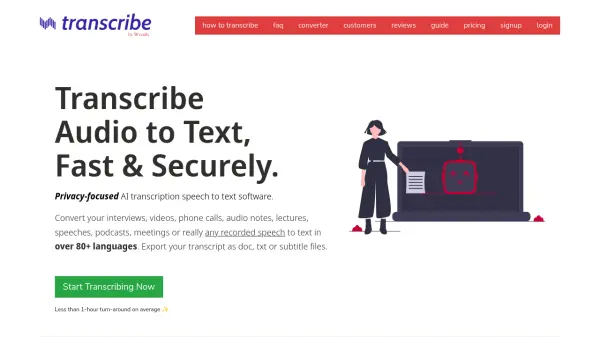
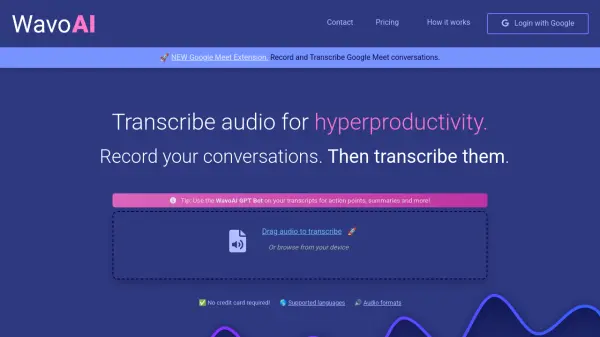
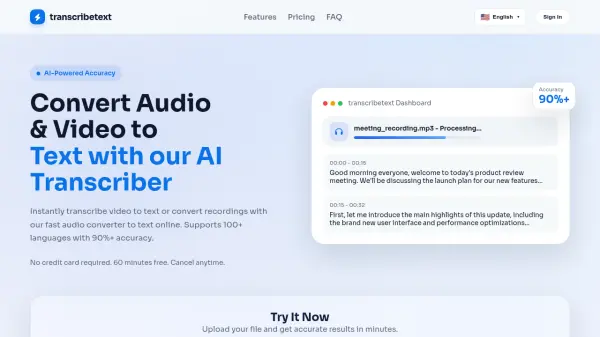
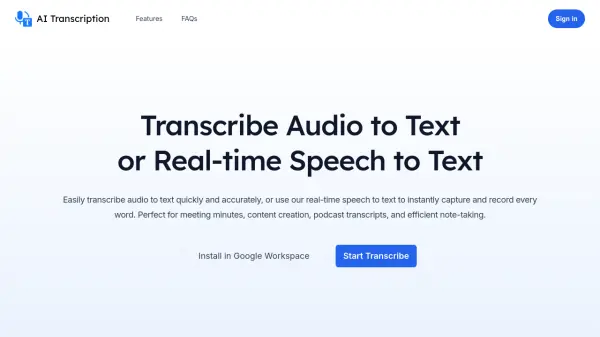
AI Transcription leverages artificial intelligence to transform spoken content into written text through two primary functionalities. The tool offers accurate transcription of pre-recorded audio files into readable, editable, and searchable text, enhancing efficiency in content review, editing, and summarization. Additionally, it provides real-time speech-to-text conversion that instantly captures live spoken words from meetings, interviews, or events, with capabilities for real-time translation into multiple languages to bridge communication gaps.
The platform integrates seamlessly with Google Workspace, allowing users to install it directly within their workflow. Transcripts can be exported to various formats including Google Docs, Google Sheets, Google Slides, and downloadable files such as Text, Word, SRT subtitles, and Excel. This flexibility ensures easy integration into existing processes while maintaining data privacy, as the tool does not save or store user data during processing.
Features
- Accurate Audio Transcription: Converts pre-recorded audio files into readable, editable, and searchable text with high accuracy
- Real-time Speech-to-Text: Instantly transforms live spoken words into text during meetings, interviews, or events
- Multi-language Real-time Translation: Translates content into multiple languages simultaneously during speech-to-text conversion
- Google Workspace Integration: Seamlessly installs and operates within Google Workspace applications
- Flexible Export Options: Exports transcripts to Google Docs, Google Sheets, Google Slides, and downloadable formats including Text, Word, SRT, and Excel
Use Cases
- Meeting minutes transcription
- Podcast transcript creation
- Content creation from audio recordings
- Live event captioning
- Interview transcription
- Efficient note-taking during discussions
- Real-time translation during multilingual meetings
- Accessibility enhancement through text conversion
FAQs
-
What happens to my data during transcription processing?
The tool does not save or store your data. It uses authorized content only for processing through third-party AI platforms and does not utilize it for any other purposes. -
How can I export my transcripts?
After obtaining the transcript, click the 'Download' button to export directly to Google Docs, Google Sheets, Google Slides, or download as TXT, DOCX, PDF, Excel, or other supported formats. -
How do I contact support for additional questions?
Send a message via email at [email protected] for prompt assistance with any inquiries.
Related Queries
Helpful for people in the following professions
AI Transcription Uptime Monitor
Average Uptime
0%
Average Response Time
0 ms