ReddRadar

What is AFK-Assistant?
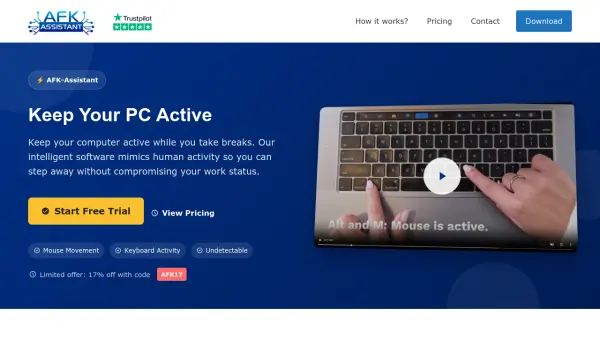
AFK-Assistant provides a sophisticated solution for maintaining computer activity during user absence. The software intelligently simulates human behavior through randomized cursor movements, keyboard activity, and scrolling patterns that appear completely natural to monitoring systems. It operates stealthily in the background without visible windows or performance impact, ensuring undetectable operation across various time tracking applications.
This tool offers extensive customization options, allowing users to tailor activity patterns to match their specific work habits and application usage. With support for multiple operating systems including Windows, macOS, and Linux, AFK-Assistant integrates seamlessly into diverse work environments while providing 24/7 customer support for configuration assistance and troubleshooting.
Features
- Intelligent Activity Simulation: Natural, randomized cursor movements and keyboard activity that mimic human behavior
- Smart Application Integration: Seamless switching between applications and browser tabs for realistic activity patterns
- Stealth Operation Mode: Completely undetectable by time tracking software with no visible windows
- Advanced Customization: Granular settings for individual applications and customizable activity patterns
- Premium Customer Support: 24/7 personalized assistance for configuration and troubleshooting
Use Cases
- Maintaining active status during bathroom or snack breaks while working remotely
- Preventing idle status during meetings or focus sessions requiring minimal interaction
- Keeping computers active during short periods away from the workstation
- Avoiding activity monitoring flags during necessary work interruptions
- Maintaining online presence during brief personal or family-related breaks
FAQs
-
What operating systems does AFK-Assistant support?
AFK-Assistant is available for Windows, macOS, and Linux operating systems, though the Remote CTRL version is currently only available for Windows. -
How does the auto-detect idle state feature work?
The auto-detect feature monitors device inactivity and automatically activates when no computer usage is detected for a customizable period, maintaining online status without manual intervention. -
Does AFK-Assistant work with multiple monitors?
Yes, AFK-Assistant supports multiple monitors with both vertical and horizontal cursor movements for comprehensive coverage across all connected displays. -
What happens if I return to my computer while AFK-Assistant is active?
The software includes smart detection that recognizes when you return to your computer and automatically adjusts its behavior to avoid interfering with your normal work activities. -
Are there any system requirements for running AFK-Assistant?
AFK-Assistant is designed to use minimal system resources and has zero impact on performance, making it compatible with most modern computers without specific hardware requirements.