 ReddRadar
MCPs tagged with Playlist management
-
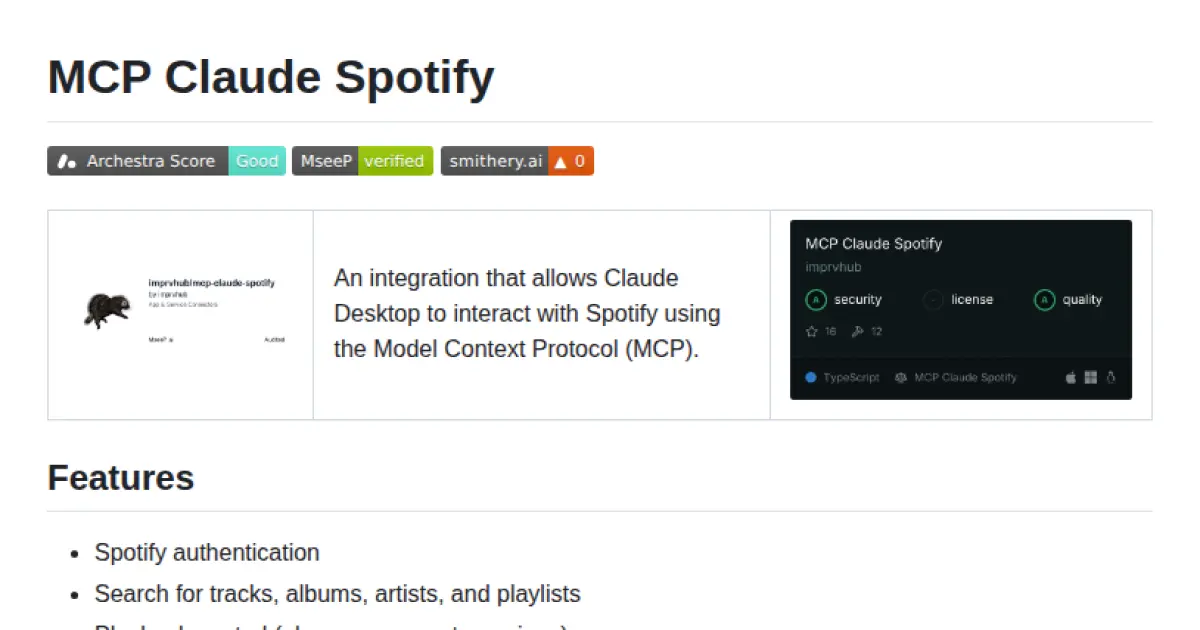
MCP Claude Spotify
Connect Claude Desktop to Spotify using the Model Context Protocol.
MCP Claude Spotify enables seamless integration between Claude Desktop and Spotify using the Model Context Protocol (MCP). It allows users to authenticate with Spotify, control playback, manage playlists, search for music, and access personalized recommendations directly from Claude Desktop. The solution supports both manual setup and auto-start with Claude Desktop, making it easy to interact with the Spotify API in a standardized way. Spotify credentials are required for setup and operation.
- ⭐ 20
- MCP
- imprvhub/mcp-claude-spotify
-
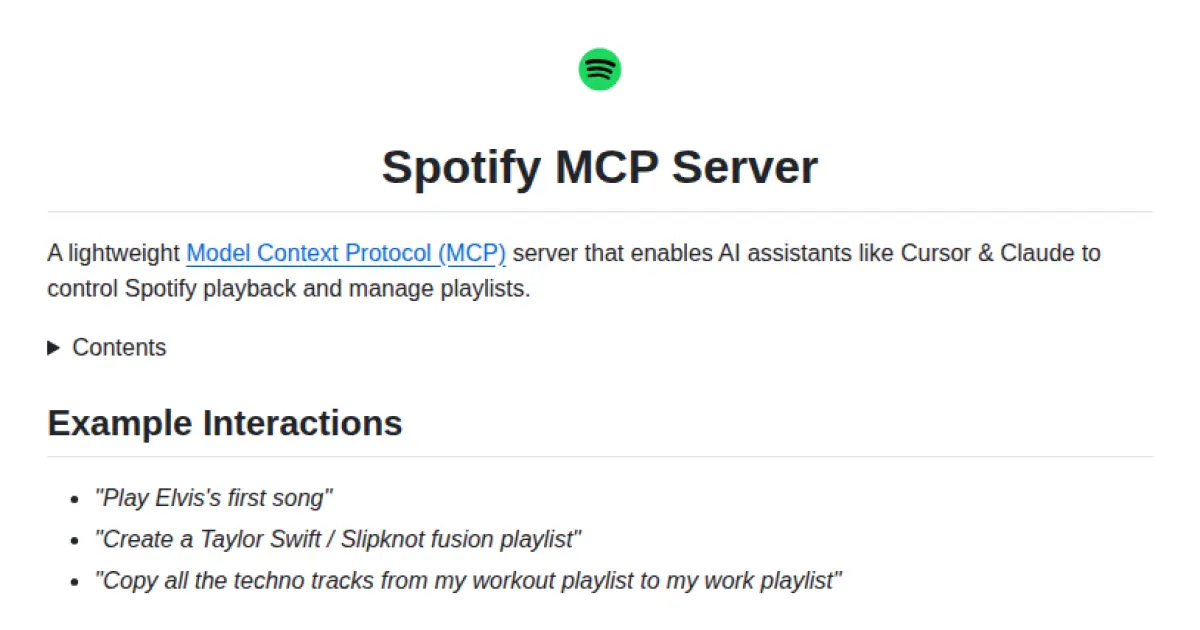
Spotify MCP Server
A lightweight MCP server enabling AI assistants to control Spotify playback and manage playlists.
Spotify MCP Server is a lightweight implementation of the Model Context Protocol that allows AI assistants, such as Cursor and Claude, to control Spotify playback and manage playlists. It provides a set of tools for searching music, managing playback state, handling playlists, and accessing user-specific track data. The server integrates seamlessly with productivity assistants and editors to facilitate contextual music control via standardized protocols. It includes authentication, Spotify API configuration, and detailed operations for reading and updating playback context.
- ⭐ 179
- MCP
- marcelmarais/spotify-mcp-server
-
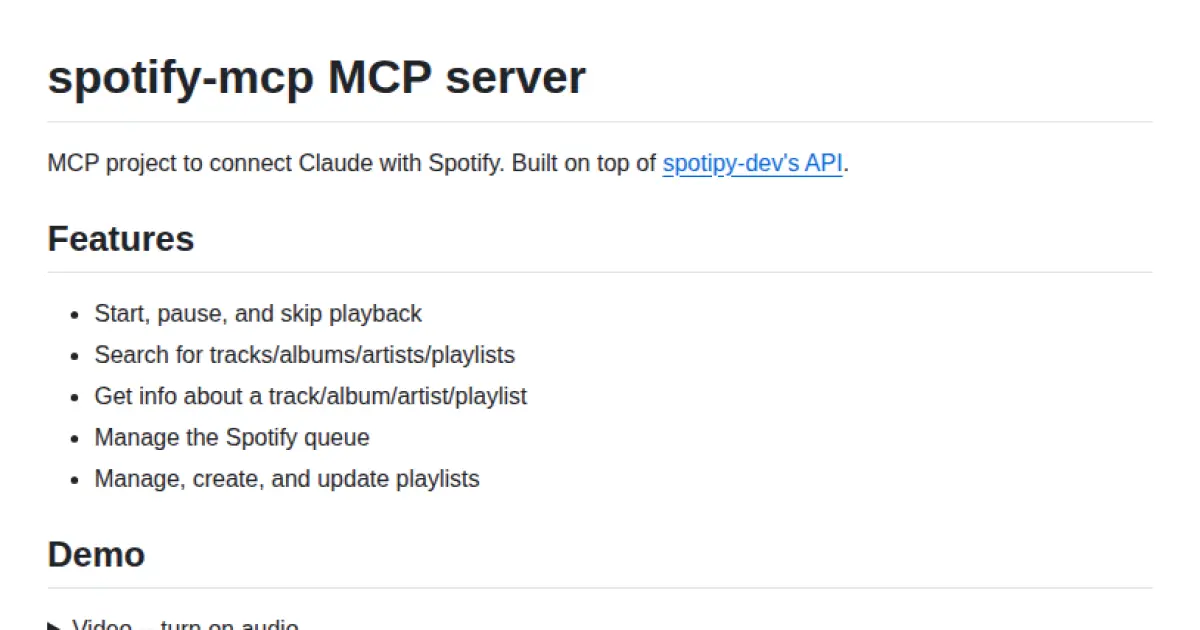
spotify-mcp
Connect Claude with Spotify through the Model Context Protocol.
spotify-mcp is an MCP server designed to link Claude-powered AI interfaces with Spotify, enabling advanced music control and information retrieval. It supports actions like starting, pausing, and skipping playback, searching and retrieving details for tracks, albums, artists, and playlists. The project supports managing Spotify queues and playlists, leveraging the official Spotipy API. Configuration guidance for MCP-enabled clients and local/hosted deployment options are provided.
- ⭐ 528
- MCP
- varunneal/spotify-mcp